

Scraper API is a powerful tool designed for scraping, i.e., extracting data from websites. It enables users globally to access website data while circumventing any blocks and restrictions. Currently, the service enhances the efficiency and anonymity of your requests, streamlining the process. This article will provide a detailed explanation on how to set up a proxy in Scraper API, allowing you to use it without any complications or restrictions.
Using proxies with a Proxy Scraper API offers distinct advantages:
Setting up a proxy in Scraper API is a straightforward process that enhances your ability to efficiently scrape data from websites while bypassing blocks and restrictions. Here’s a detailed guide to get you started:
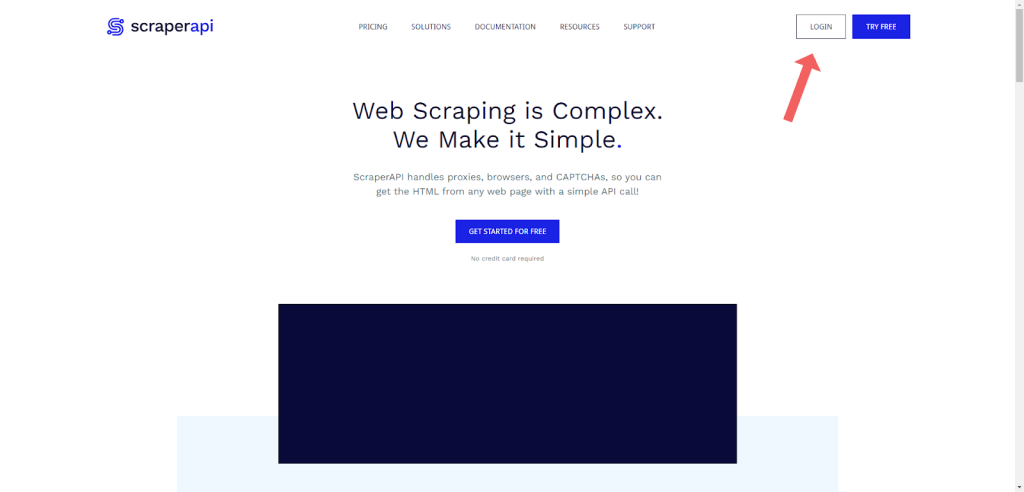
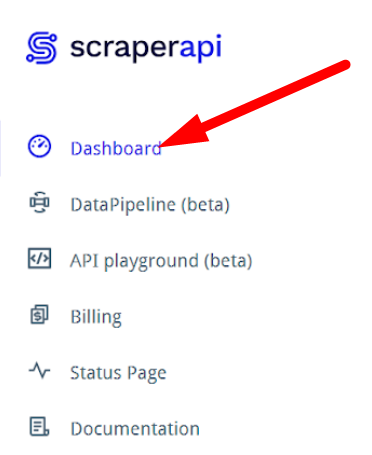
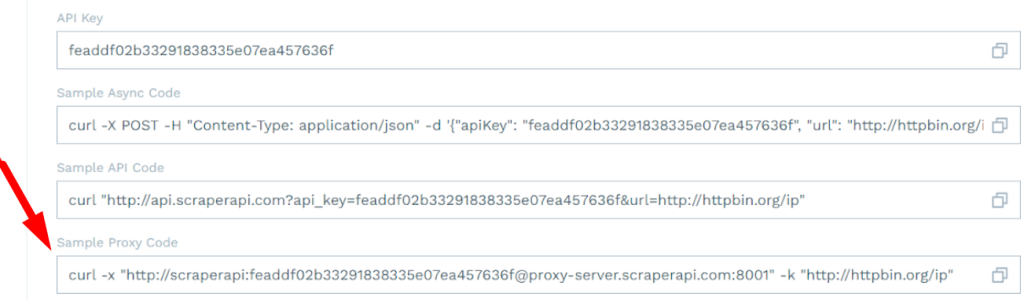
Modify the Sample Code: In Scraper API, you can use HTTP, HTTPS, and SOCKS5 proxies.
You can set up several proxies by duplicating the desired section of code. This diversifies your scraping requests, minimizing the risk of IP blocking and enabling access to geo-restricted resources.
By following these steps, you can effectively set up a proxy in Scraper API, ensuring efficient and unrestricted data collection from various online sources.
You’ll learn how to set up a proxy in different programming languages using the Scraper API proxy. This helps you make requests through proxies smoothly, improving your scraping results.
To use proxies with the Scraper API proxy in Python, start with the requests library. Manage sessions for persistent settings, set timeouts to avoid hangs, and handle exceptions for errors.
Requests Library:
Http.client (Lower-Level Control):
This method gives more control but requires more code.
An example for Python:
import requests
proxies = {
"http": "http://your username:your password@your IP address:port number"
}
In Ruby scripts, use Net::HTTP with proxy parameters:
For NodeJS, native http/https modules allow proxy setup by creating an Agent with proxy configurations.
An example for Node.js:
proxy: {
host: 'your new IP address',
port: port number,
auth: {
username: 'your login',
password: 'your password'
},
protocol: 'http'
}
Debugging Tips:
Recommended Frameworks and Libraries:
Manage your Proxy Scraper API efficiently to maintain smooth, uninterrupted scraping:
Proxy-Seller provides robust solutions to enhance your scraping workflow. Use Proxy-Seller services to get reliable proxy IPs in your code. Their API lets you manage and rotate proxies programmatically, making scaling easier. The user-friendly dashboard keeps control simple. This integration fits naturally in all the above programming examples, enhancing proxy reliability and scraping efficiency.
Deploy Proxy-Seller for robust proxy options, including IPv4, IPv6, residential, ISP, and mobile proxies. Their 24/7 support, 99% uptime, and speeds up to 1 Gbps make proxy management easy. Access over 20 million rotating residential IPs and static ISP proxies, with detailed statistics and configuration help. This makes Proxy Scraper API setups scalable and reliable.
By following these tips and leveraging services like Proxy-Seller alongside Scraper API proxy, your scraping projects will run smoother and scale better.

 PHP
PHP Node.js
 Python
 Java
Java Golang
 en
en  Español
  中國人
中國人  Tiếng Việt
  Deutsch
  Українська
  Português
  Français
  भारतीय
  Türkçe
  한국인
한국인  Italiano
  Indonesia
  Polski
Comments: 0