
 Proxy for Telegram
 Proxy for LinkedIn
 Proxy for Google
 Proxy for Ebay
 Proxy for Twitter
 Proxy for TikTok
Step-by-step proxy settings in Che Browser

Che Browser is an anti-detect browser designed to surf the Internet safely, anonymously, and without risks. With it, you can do social media promotion, web scraping, SEO optimization, and much more. The system guarantees you complete confidentiality if you use it together with a proxy.
Video guide for setting up a proxy in Che Browser
Why a proxy is required for Che Browser
Often social networks and other web resources block accounts if they appear on the network under the same IP address. With a proxy server you can:
- Hide your IP address and assign a new one for each account. Then they will become independent of each other, and this will reduce the risk of getting blocked.
- Bypass regional and local blocking.
- Automate many social media promotion tasks.
How to set up a proxy in Che Browser
The browser only supports Socks5 proxies. This is the best reliable option for promoting social networks and processing large amounts of data (for example, for scraping).
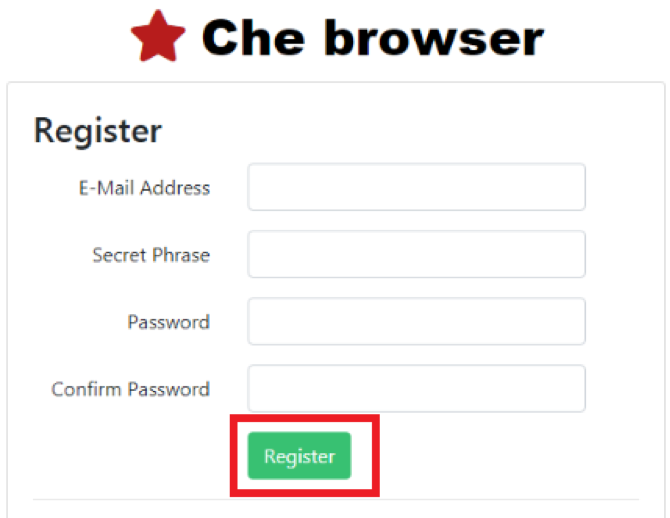
- Open a browser and log in to your account.
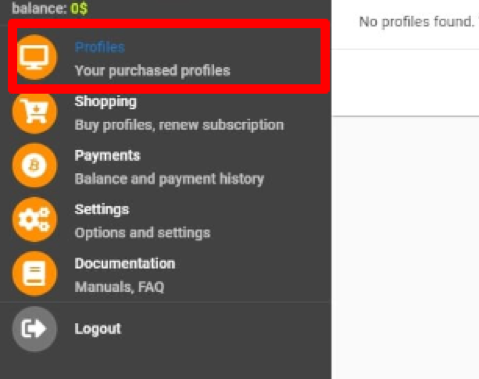
- Go to the "Profiles" section in the sidebar.
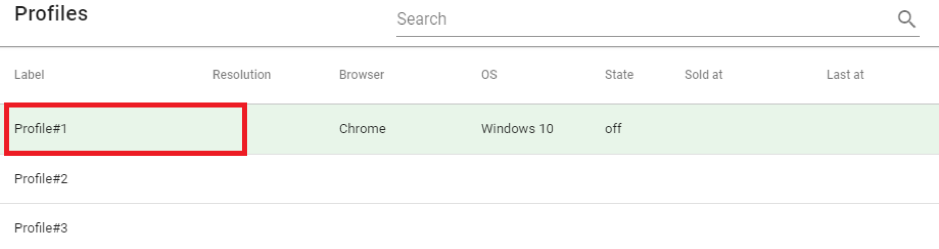
- Select the desired profile, right-click on it and click "Settings".
- Move the "Connection" slider to the “On” position.
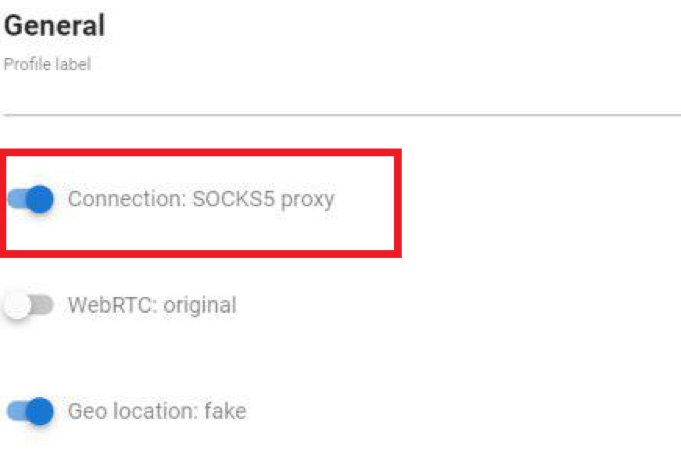
- Enter your proxy server details below: IP address, Port, Username, and Password.
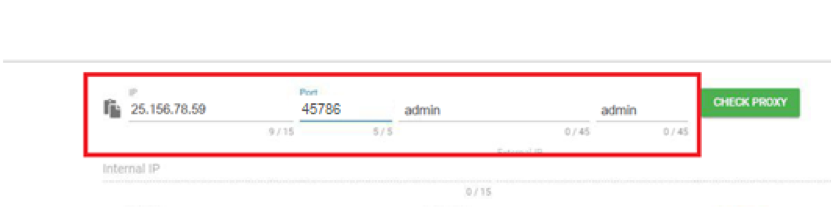
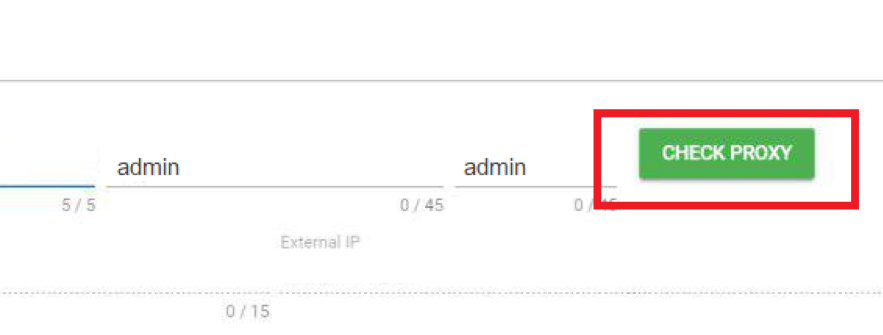
- To check if the proxy is working, click the "Check Proxy" button. You will see the results below: if the proxy passed the test, the inscription will be green, if it did not pass, it will be red.
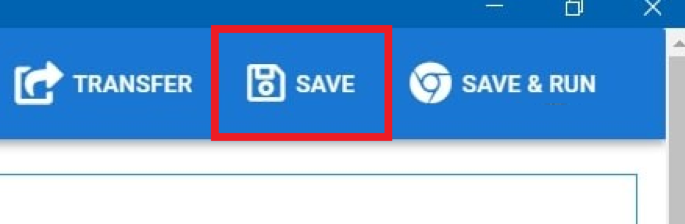
- Click on the "Save" button to apply changes. The configuration is completed!
Che Browser is an efficient and convenient anti-detect browser that will help you promote your business online. Do not forget to set up 1 proxy for 1 account and choose high-quality private proxy servers to do your work and secure all your profiles as much as possible.
PROXIES FROM $0.02/IP
Ready to put this into practice?
Pick a proxy type and location, and start using it within minutes.
Instant delivery
24/7 support
Refund policy
About the author