

Web scraping tools are specialized software designed to automatically pull data from websites, organizing it into a usable format. These tools are essential for various tasks like data collection, digital archiving, and conducting in-depth analytics. With the ability to meticulously extract and analyze page data, advanced web scraping tools ensure the precision and relevance of the information they gather.
Their ability to handle large-scale data extraction makes them a critical resource for businesses engaged in competitor analysis, market research, and lead generation. These tools not only streamline processes but also provide significant competitive advantages by offering deep insights quickly.
In this article, we'll explore the top web scraping tools of 2026. We'll cover a range of options, including browser-based tools, programming frameworks, libraries, APIs, and software-as-a-service (SaaS) solutions.
When selecting a web scraping tool, there are several key factors to consider:
The choice of a web scraping tool depends on the complexity of the task and the volume of data being processed. For simpler tasks, browser extensions are often sufficient. They are easy to install and do not require programming knowledge, making them a good choice for straightforward data collection tasks. For more complex and customizable solutions, frameworks are better suited as they offer more flexibility and control. If a high level of automation and management is required, API-oriented scrapers provide a fully managed service that can handle large volumes of data efficiently.
We have curated a list of the 19 best scrapers that cater to a variety of needs. This selection includes powerful programs designed for complex web scraping tasks, as well as universal tools that are user-friendly and do not require programming knowledge. Whether you're an experienced developer needing robust data extraction capabilities or a beginner looking to easily gather web data, this list has options to suit different levels of expertise and project demands.
You’ll learn how to choose the best web scraping tools 2026 by understanding core strengths, key features, pricing, and real-world use cases. Each tool suits different user needs, from business teams to AI experts. Here is a concise breakdown of the top tools.
Bright Data offers a robust, enterprise-grade web scraping platform that includes a Web Scraper IDE with ready-made code templates. These templates are managed and updated on a regular basis, ensuring that scraping operations remain effective even if the layout of the target website changes.
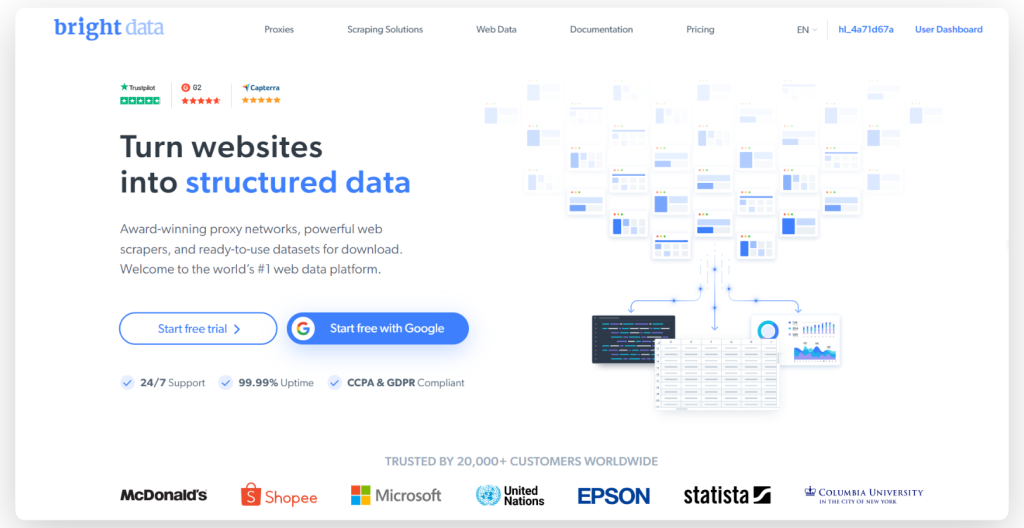
Bright Data also uses proxy rotation and allows you to save scraped data in various formats, such as JSON and CSV, or directly to cloud storage solutions such as Google Cloud Storage or Amazon S3.
Features:
The scraper is available starting at $4.00 per month, and it offers a free trial version for users to test its capabilities. It is well-regarded on G2, where it has a rating of 4.6 out of 5.0.
Octoparse is a no-code, easy-to-use web scraping tool that simplifies scraping tasks without requiring any coding skills. Designed for both seasoned and novice users, it offers a visual approach to data extraction, requiring minimal to no coding skills.
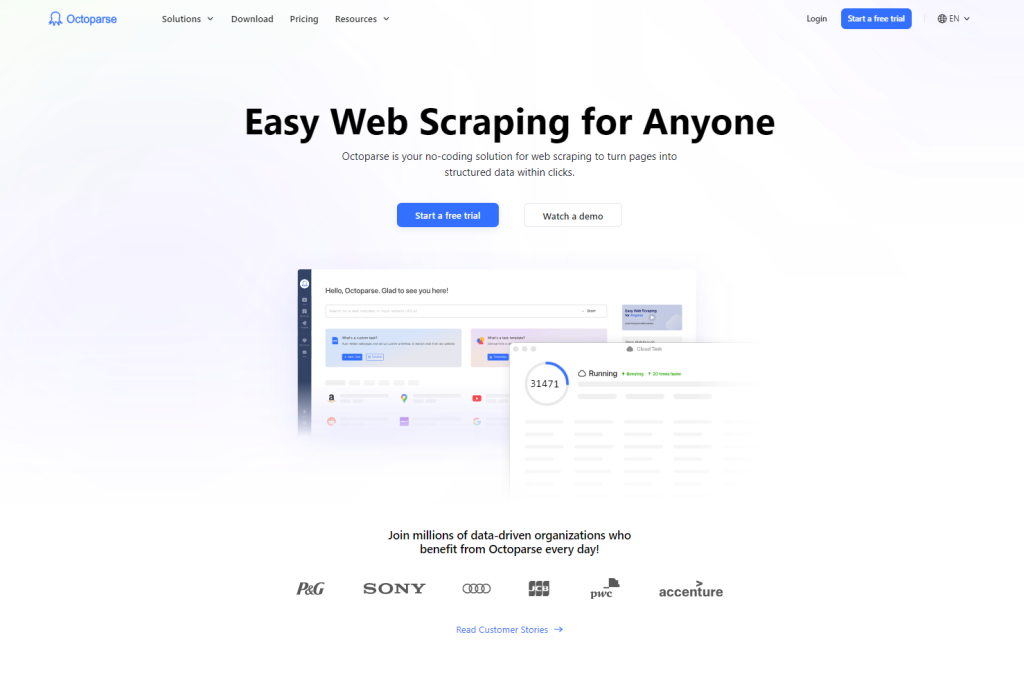
One of the standout features of Octoparse is its AI assistant. This feature assists users by auto-detecting data patterns on websites and offering handy tips for effective data extraction. In addition, Octoparse offers a library of preset templates for popular websites, which can be used to obtain data instantly.
Features:
The scraper starts at $75.00 per month and includes a free trial. It is rated 4.5/5.0 on Capterra and 4.3/5.0 on G2.
WebScraper.io is a Chrome and Firefox extension that is designed for regular and scheduled use to extract large amounts of data either manually or automatically.
It's free for local use, with a paid cloud service available for scheduling and managing scraping jobs through an API. This tool also supports scraping of dynamic websites and saves data in structured formats like CSV, XLSX, or JSON.
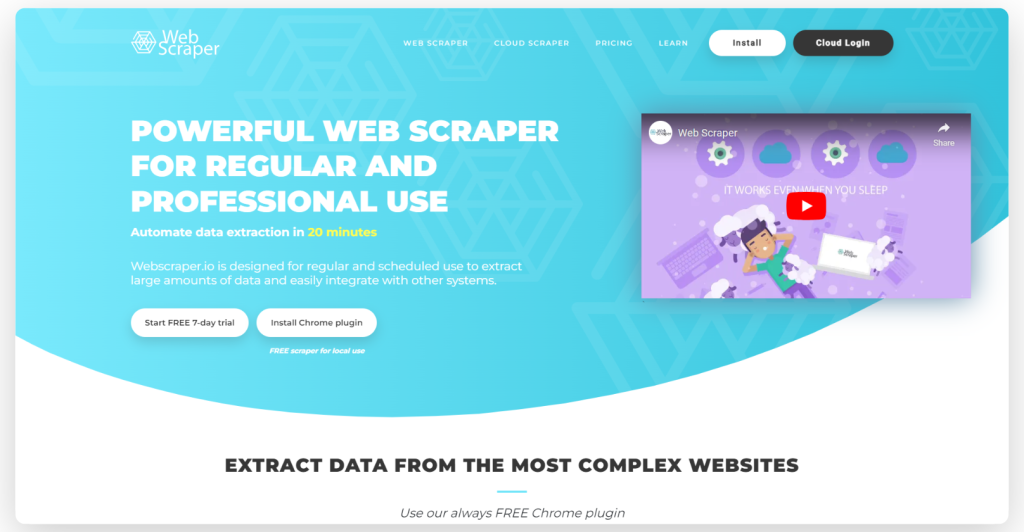
WebScraper.io facilitates web scraping through a point-and-click interface, allowing users to create Site Maps and select elements without any coding expertise. It’s also versatile for use cases like market research, lead generation, and academic projects.
Features:
The scraper is priced at $50 per month and offers a free trial. It has a Capterra rating of 4.7 out of 5.
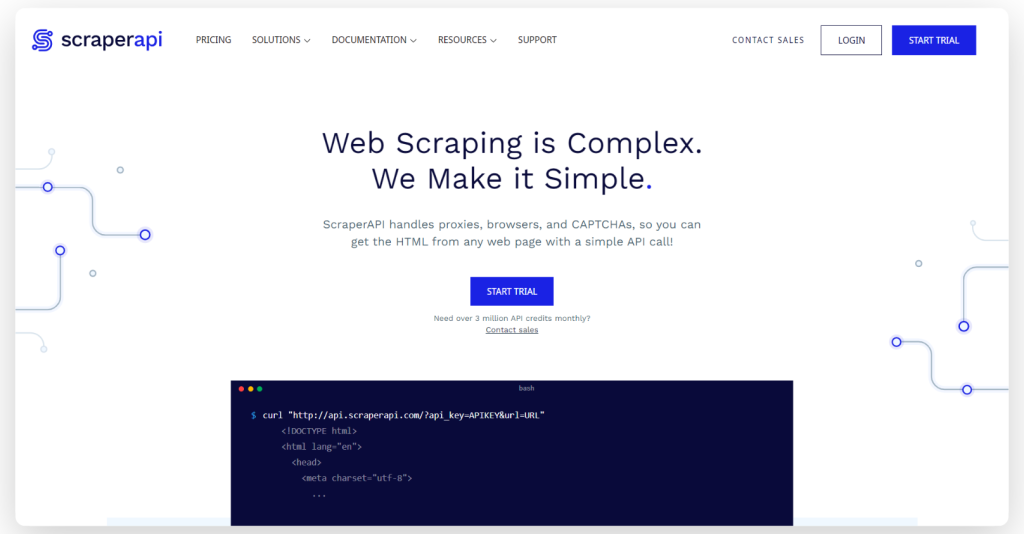
Getting started with Scraper API is easy for non-developers, as all users need is an API key and URL to begin scraping. Besides supporting JavaScript renderings, Scraper API is fully customizable, allowing users to customize the request and header parameters in order to meet their needs.
Features:
You should format your requests to the API endpoint as follows:
import requests
payload = {'api_key': 'APIKEY', 'url': 'https://httpbin.org/ip'}
r = requests.get('http://api.scraperapi.com', params=payload)
print(r.text)
This scraper is available at an introductory price of $49 per month and comes with a free trial. It has a Capterra rating of 4.6 out of 5 and a G2 rating of 4.3 out of 5.
Scraping Dog stands out for its simplicity and ease of use, providing an API that can be quickly integrated into various applications and workflows. It's a solution that serves a broad spectrum of scraping requirements, from simple data collection tasks to more complex operations.
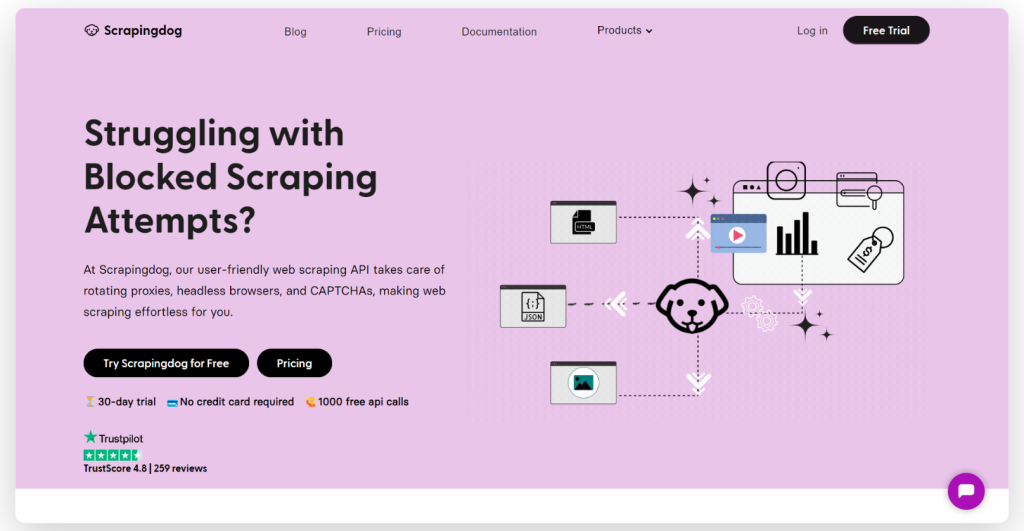
Scrapingdog also supports JS rendering, which can be used for scraping websites that require multiple API calls to fully load.
Features:
Here's a basic example of how to use Scraping Dog’s API endpoint:
import requests
import requests

url = "https://api.scrapingdog.com/scrape"

params = {
    "api_key": "5e5a97e5b1ca5b194f42da86",
    "url": "http://httpbin.org/ip",
    "dynamic": "false"
}

response = requests.get(url, params=params)

print(response.text)
The scraper is available starting at $30 per month and includes a free trial. It has a Trustpilot rating of 4.6 out of 5.
Apify is an open software platform that makes it easy to develop and run data extraction, web automation, and web integration tools at scale. It is a versatile cloud-based platform that provides a comprehensive suite of web scraping and automation tools. It's designed for developers who need to build, run, and scale web scraping and data extraction tasks without managing servers.
Apify also comes with an open-source web scraping library called Crawlee and is compatible both with Python and JavaScript. With Apify, you can integrate your content easily with third-party applications such as Google Drive, GitHub, and Slack, as well as create your own integrations with webhooks and APIs.
Features:
The scraper starts at $49 per month and includes a free version. It has a rating of 4.8 out of 5 on both Capterra and G2.
ScrapingBee is a versatile web scraping API that's crafted to handle a wide range of web scraping tasks efficiently. It excels in areas such as real estate scraping, price monitoring, and review extraction, allowing users to gather data seamlessly without the fear of being blocked.
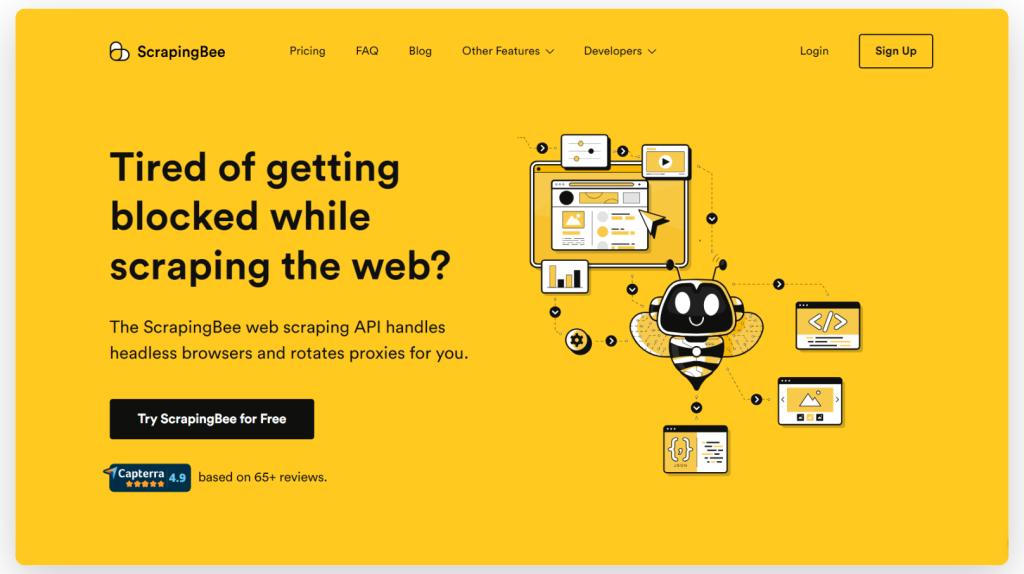
The flexibility and effectiveness of ScrapingBee make it an invaluable resource for developers, marketers, and researchers who aim to automate and streamline the data collection process from various online sources.
Features:
This scraper is available starting at $49 per month and includes a free version. It boasts a perfect rating of 5.0 out of 5 on Capterra.
Diffbot stands out with its advanced AI and machine learning capabilities, making it highly effective for content extraction from web pages. It's a fully automated solution that is great at extracting structured data.

Diffbot is ideal for marketing teams and businesses focused on lead generation, market research, and sentiment analysis. Its ability to process and structure data on the fly makes it a powerful tool for those who need quick and accurate data extraction without the need for an extensive technical setup.
Features:
The scraper is priced at $299 per month and includes a free trial. It has a Capterra rating of 4.5 out of 5.
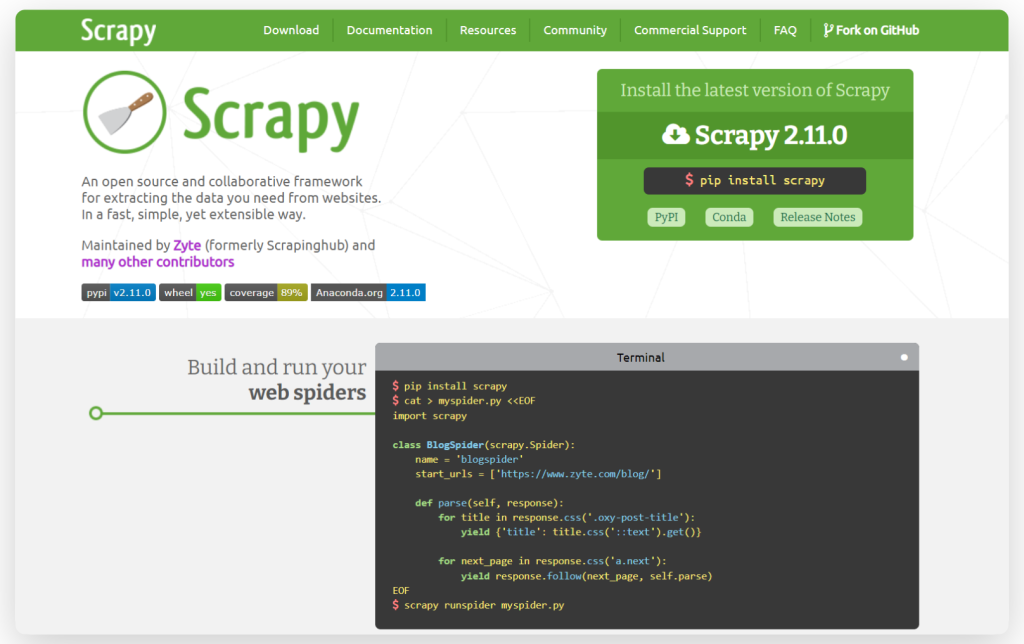
Scrapy is a robust, open-source web crawling and scraping framework known for its speed and efficiency. Written in Python, Scrapy is compatible with multiple operating systems, including Linux, Windows, Mac, and BSD. The framework allows for the creation of custom search agents and offers flexibility in customizing its components without needing to alter the core system. This makes Scrapy a versatile tool for developers looking to tailor their scraping tools to specific requirements.
Features:
Here's a simple example of how to use Scrapy to scrape data from a website:
import scrapy

class BlogSpider(scrapy.Spider):
    name = 'blogspider'
    start_urls = ['https://www.zyte.com/blog/']

    def parse(self, response):
        for title in response.css('.oxy-post-title'):
            yield {'title': title.css('::text').get()}

        for next_page in response.css('a.next'):
            yield response.follow(next_page, self.parse)
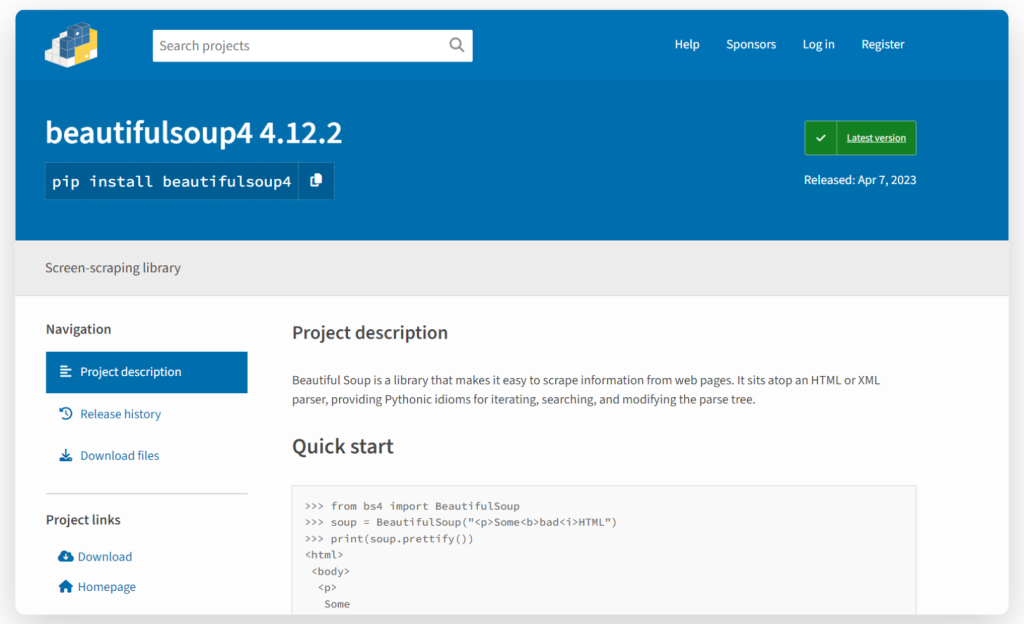
Beautiful Soup is a Python library that makes it easy to scrape information from web pages. It's a great tool for beginners and is often used for quick scraping projects or when you need to scrape a website with a simple HTML structure.
Features:
Here's a basic example of how to use Beautiful Soup:
from bs4 import BeautifulSoup

html_doc ="""<html><head><title>The Dormouse's story</title></head>
<body>
<p class="title"><b>The Dormouse's story</b></p>

<p class="story">Once upon a time there were three little sisters; and their names were
<a href="http://example.com/elsie" class="sister" id="link1">Elsie</a>,
<a href="http://example.com/lacie" class="sister" id="link2">Lacie</a> and
<a href="http://example.com/tillie" class="sister" id="link3">Tillie</a>;
and they lived at the bottom of a well.</p>

<p class="story">...</p>
"""

soup = BeautifulSoup(html_doc, 'html.parser')
print(soup.title.string)  # Outputs "The Dormouse's story"
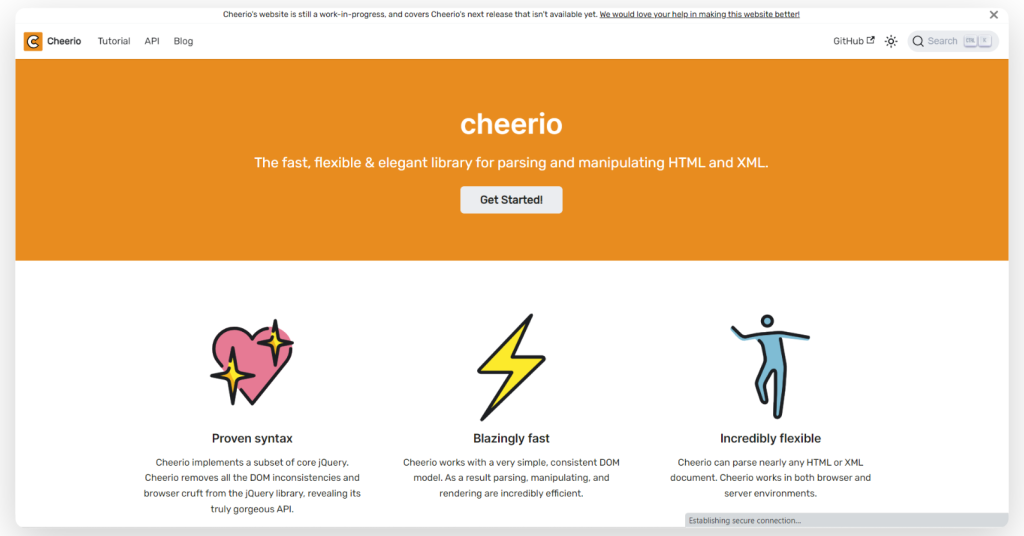
Cheerio is a fast, flexible, and user-friendly library in Node.js that mimics the core functionality of jQuery. Utilizing the parse5 parser by default, Cheerio also offers the option to use the more error-tolerant htmlparser2. This library is capable of parsing almost any HTML or XML document, making it an excellent choice for developers who need efficient and versatile web scraping capabilities.
Features:
Here's a simple Cheerio example:
const cheerio = require('cheerio');

// some product webpage
const html = `
<html>
  <head>
    <title>Sample Page</title>
  </head>
  <body>
    <h1>Welcome to a Product Page</h1>
    <div class="products">
      <div class="item">Product 1</div>
      <div class="item">Product 2</div>
      <div class="item">Product 3</div>
    </div>
  </body>
</html>
`;

const $ = cheerio.load(html);

$('.item').each(function () {
  const product = $(this).text();
  console.log(product);
});
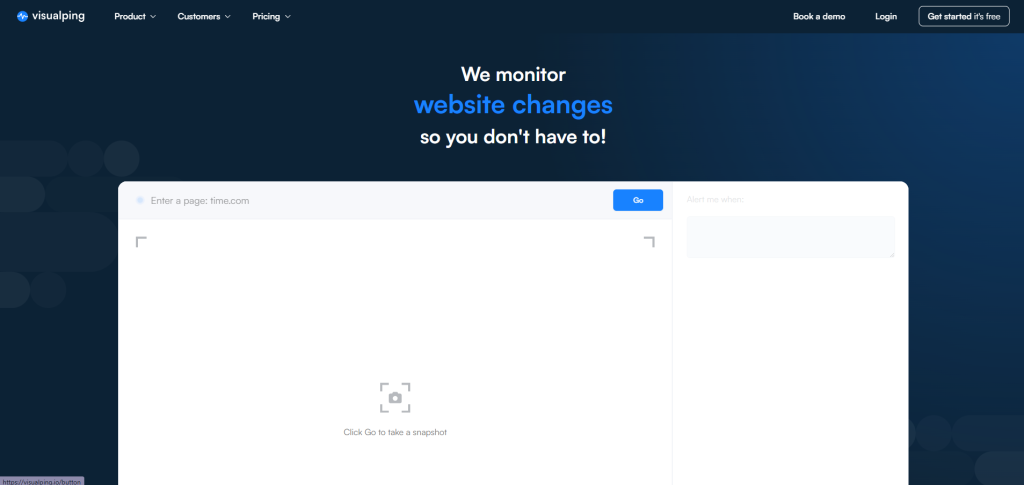
Best for business teams wanting easy automation without coding. Pricing starts at $100/month with custom enterprise tiers. It's good for monitoring website changes for e-commerce pricing, news updates, and social media content. However, it's not ideal for heavy technical scraping or sites with complex login flows. Visualping is user-friendly, has stable integrations and solid support, and handles complex modern sites.
Features:
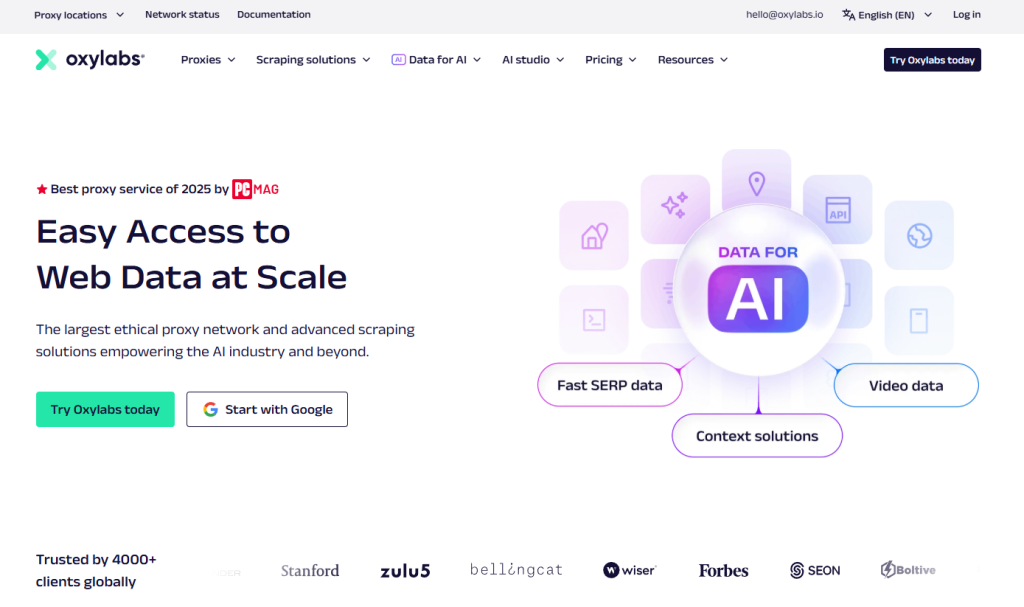
Best for enterprises needing high-scale scraping and robust proxy support. Starts at $49/month with addons and enterprise plans. It is used for market intelligence, retail price monitoring, ad verification at scale. Can boast a vast proxy pool, reliability, customizable workflows. Nevertheless, developer skills are needed when using Oxylabs, plus it has a higher cost at scale.
Features:
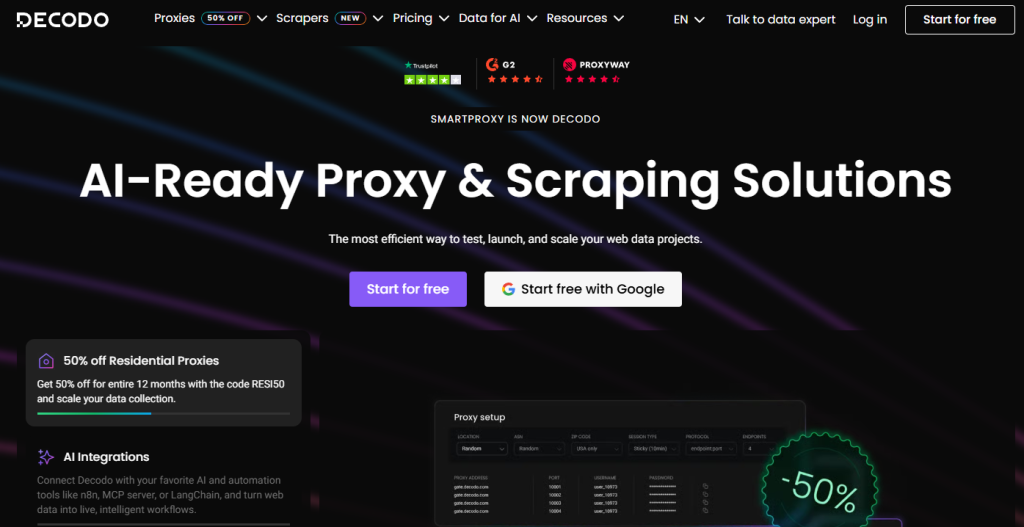
Best for SEO and marketing teams focusing on SERP and social media data. The price starts at $50/month with a trial (flexible plans). Convenient for tracking keyword rankings, collecting social media metadata, brand monitoring. Decodo is marketing-oriented, affordable mid-tier pricing and boasts proxy diversity. Note that it has a limited UI scraping builder and requires developer knowledge.
Features:
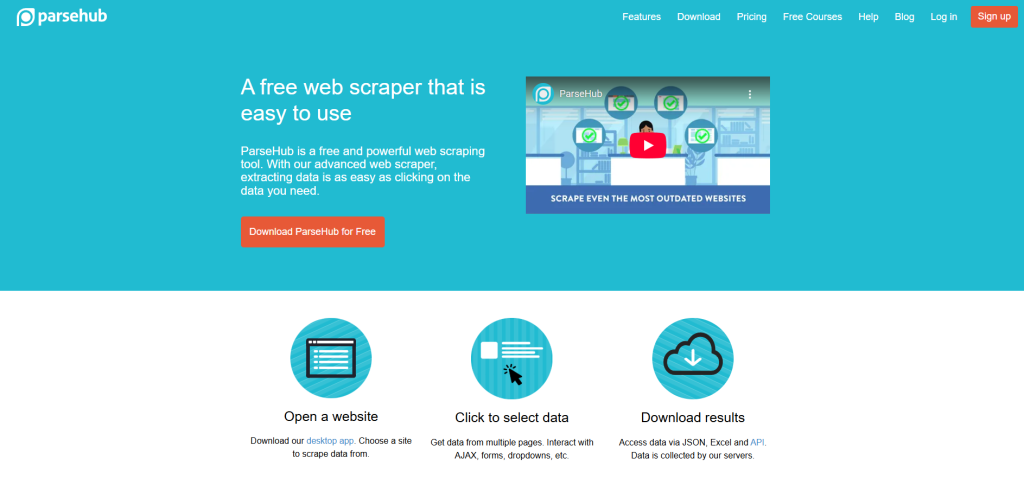
Best for individuals, freelancers, and small teams on a budget. It is used for small-scale data projects, academic research, price monitoring. The scraper provides thorough tutorials. It is desktop only. There is a free tier available, and paid plans start at $149/month.
Features:
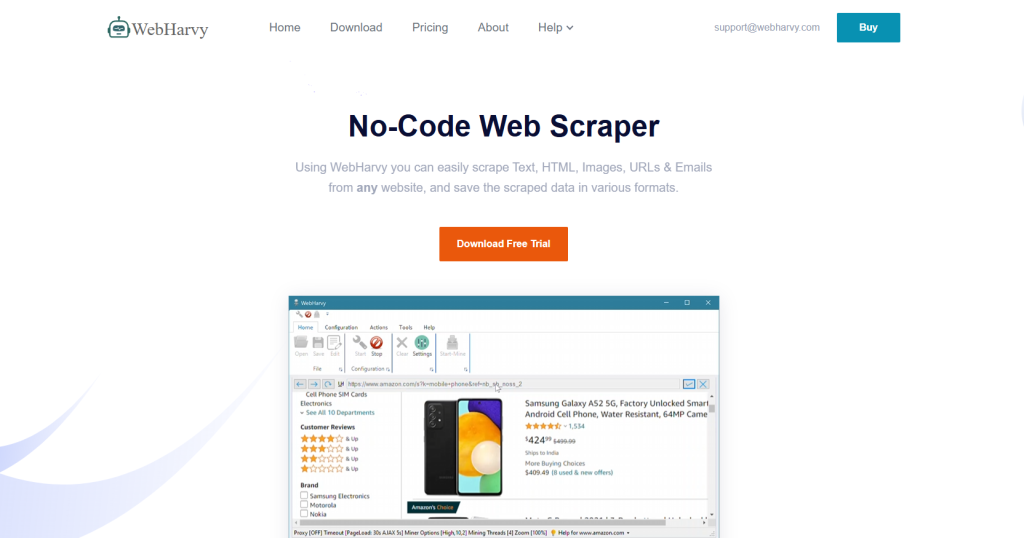
Best for visual scraping enthusiasts and Windows users. The one-time license price is around $139. It's good for classifieds, real estate listings, and news scraping. No programming needed. Like ParseHub, it is Windows only plus has limited cloud capabilities.
Features:
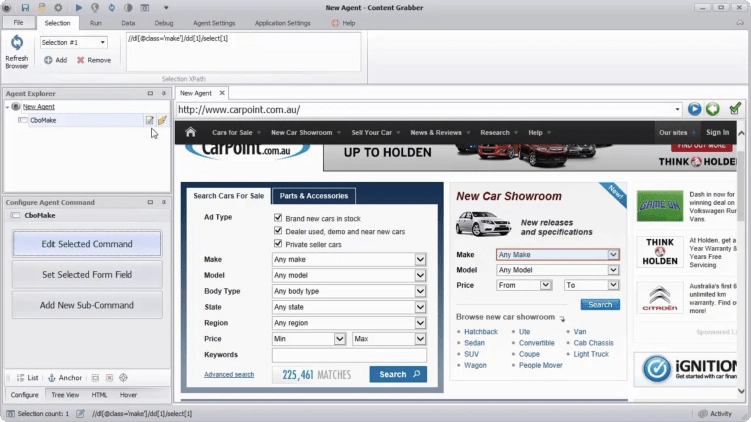
Best for enterprises requiring powerful automation and extraction control. Pricing starts at $995 one-time, with custom enterprise pricing. It's convenient to use for financial data, e-commerce, and media monitoring. Content Grabber's drawback is high cost, and its complexity requires training.
Features:
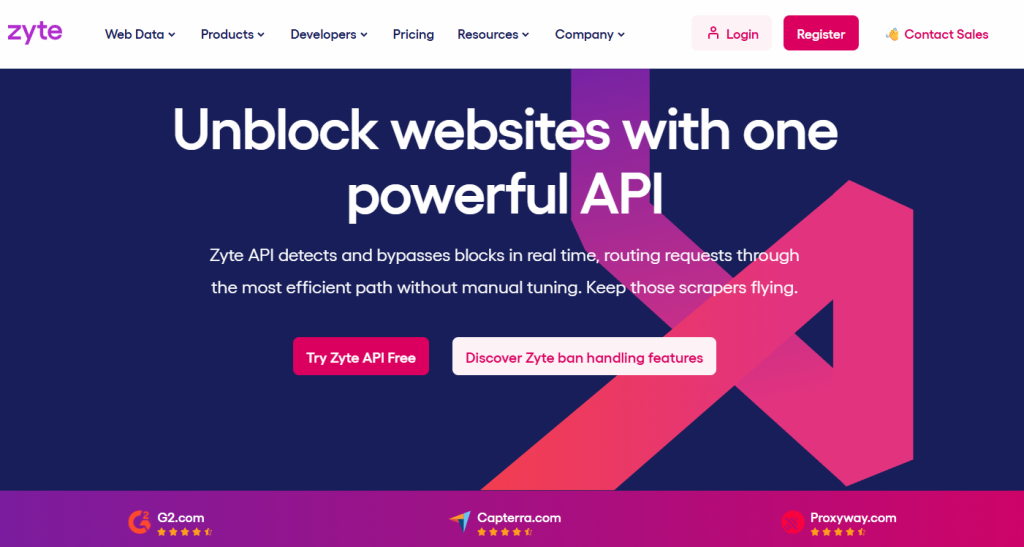
Best for developers wanting cloud-based scraping with managed proxy services. Used for data mining, research, product info extraction. Zyte is scalable, developer-friendly but requires technical knowledge. It costs from $99/month with enterprise plans.
Features:
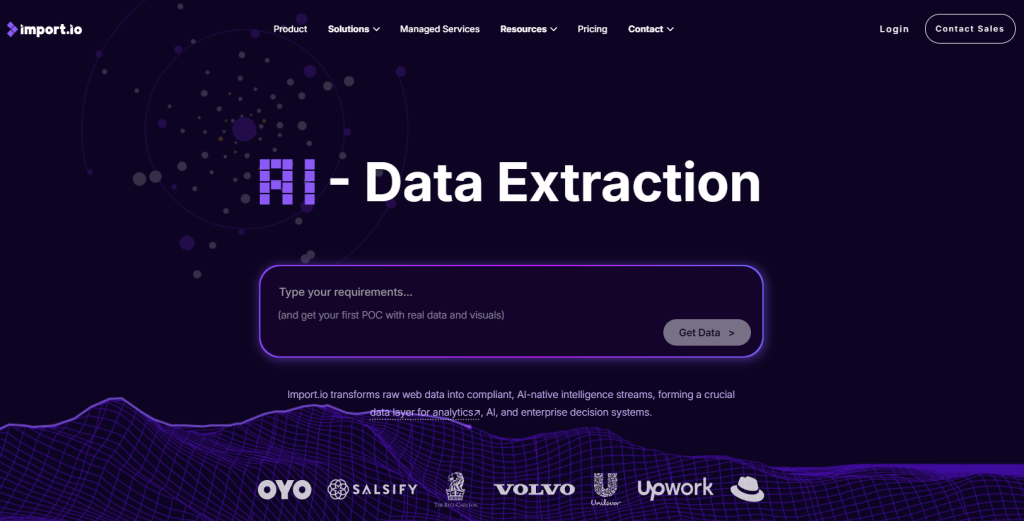
Best for enterprises seeking fast data extraction with ready connectors and APIs. It is beneficial for financial services, market data, sentiment analysis. It's cloud-scalable and easy to integrate. Pricing is available on request with an enterprise focus, but the plans are relatively more expensive.
Features:
Proxy-Seller complements these tools by providing fast, stable, geo-diverse proxies essential for anti-blocking and IP rotation strategies. It offers IPv4, IPv6, residential, and mobile proxies across 220+ countries, plus SOCKS5 and HTTP(S) protocols. The flexible pricing starts around $0.08 per IP for IPv6 and up to $0.90 for residential and mobile proxies, with discounts for volume rentals. Its API supports Python, Node.js, PHP, Java, and Golang for smooth integration.
Use cases include SERP scraping with geo-targeting, e-commerce stock monitoring, social media metadata retrieval, and ad verification. The broad proxy network helps avoid IP bans and CAPTCHA challenges. Keep Proxy-Seller in mind for smart proxy rotation, especially when scaling web scraping projects.
You’ll learn to scrape responsibly and technically efficiently. Consider legal, ethical, and technical best practices to sustain success with the best web scraping tools 2026.
| Challenge | Solution |
|---|---|
| Site Layout Changes | Adapt scrapers by using versioned selectors or ML-based scrapers. |
| Detection/Bans | Use rotating proxies, random user agents, and CAPTCHA-solving services. (Proxy-Seller enhances this). |
| JavaScript-rich Sites | Access sites via headless browsers like Puppeteer or Playwright. |
| Cost Optimization | Schedule scrapes intelligently, cache data, and perform incremental updates. |
Use this checklist to maintain scraper health:
You’ll find the best web scraping tools, Python and others, for custom builds. These open-source frameworks and libraries form the backbone of professional scraping projects.
Supporting tools and libraries:
Developer scrapers often combine frameworks with providers like Oxylabs, Decodo, and Proxy-Seller. Proxy-Seller is a cost-effective alternative offering broad geo coverage, fast proxies, and robust API support.
Use this practical list to pick your toolset: choose a scraping framework that fits your coding skills, add proxy support for reliability, automate workflows with orchestration tools, and solve CAPTCHAs as needed. This approach ensures efficient, scalable, and maintainable scraping operations in 2026.
In summary, each scraper brings unique features suited for different scraping needs. Cheerio and Beautiful Soup are HTML parsing libraries optimized for Node.js and Python, respectively. Scrapy, another Python-based tool, excels in handling complex scripts and managing large datasets as part of a comprehensive web scraping and parsing framework.
For those evaluating platforms or services for web scraping, here are tailored recommendations based on common selection criteria:

 PHP
PHP Node.js
 Python
 Java
Java Golang
 en
en  Español
  中國人
中國人  Tiếng Việt
  Deutsch
  Українська
  Português
  Français
  भारतीय
  Türkçe
  한국인
한국인  Italiano
  Indonesia
  Polski
Comments: 0