

A properly configured proxy is essential for EpicBot users managing multiple RuneScape accounts. Correct setup helps maintain account safety, prevent IP-based restrictions, and ensure smoother, uninterrupted botting sessions. In this complete guide, you will learn how to do the correct step-by-step EpicBot proxy configuration.
With proper configuration, the most significant benefits to notice are preventing IP bans, avoiding account linking, and guaranteeing seamless botting sessions.
When you have EpicBot installed on your system, open it. When you open it, a screen will pop up in front of you. There are different options to select from here.
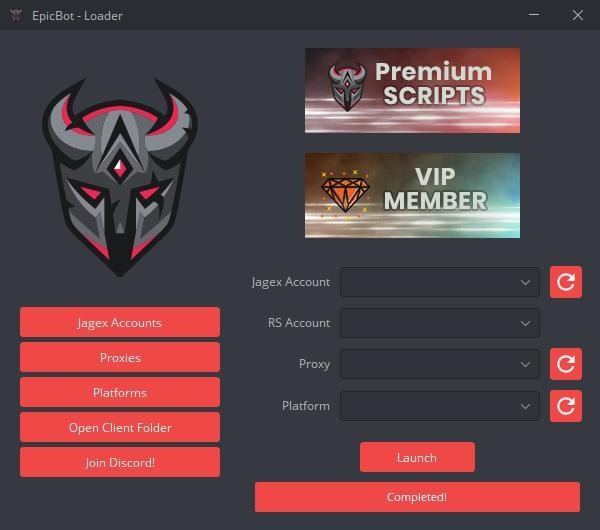
Choose the “Proxies” section to set the EpicBot proxy on your system.

Now, a screen will open where you need to add the credentials. It includes the fields for IP Address, Port, Username, Password, and Nickname.
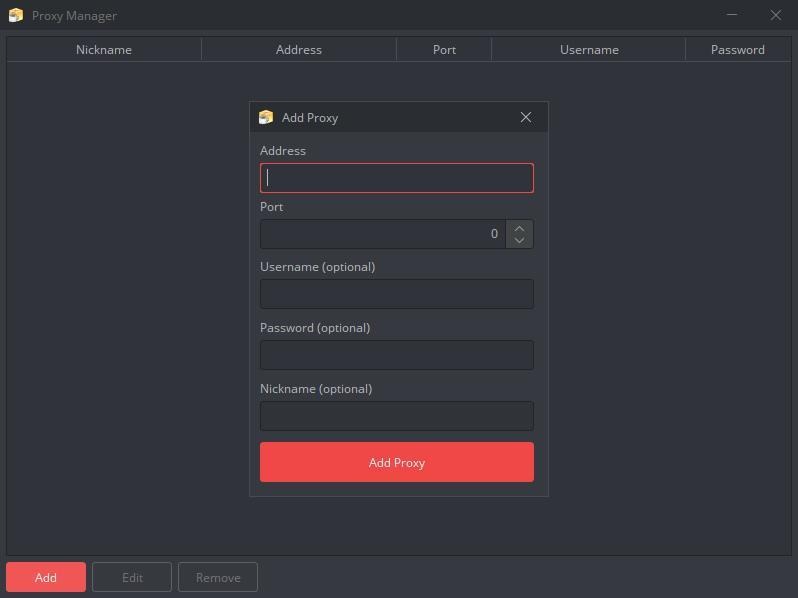
When you use a free option, you don’t need to add a username or password. But if you have a personal one, you can add these fields.
If you want, you can add multiple proxies. In future you will be able to switch between, or connect them to different profiles.
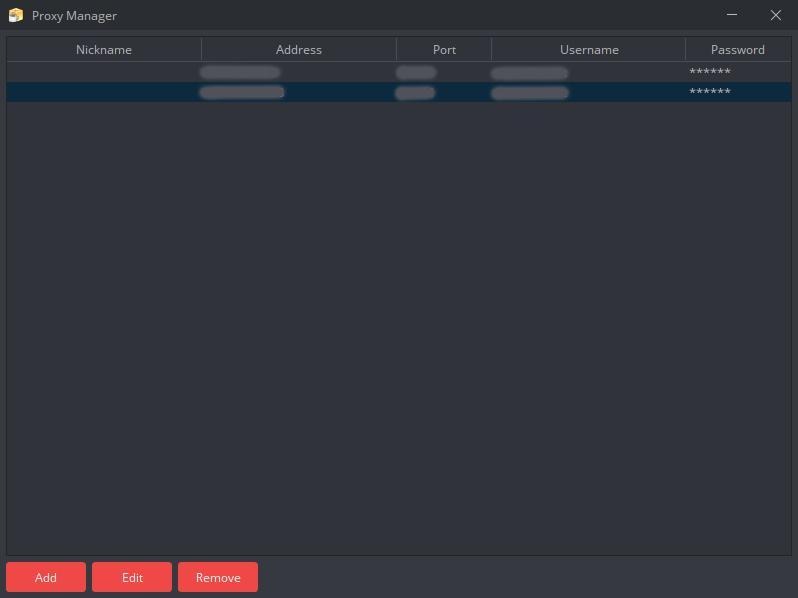
You can add, edit, and remove them if needed.
Once you are done with adding proxies, go back to the first screen. You can also see the Launch button on this screen. Now, click this button.
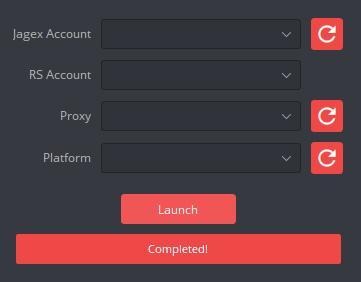
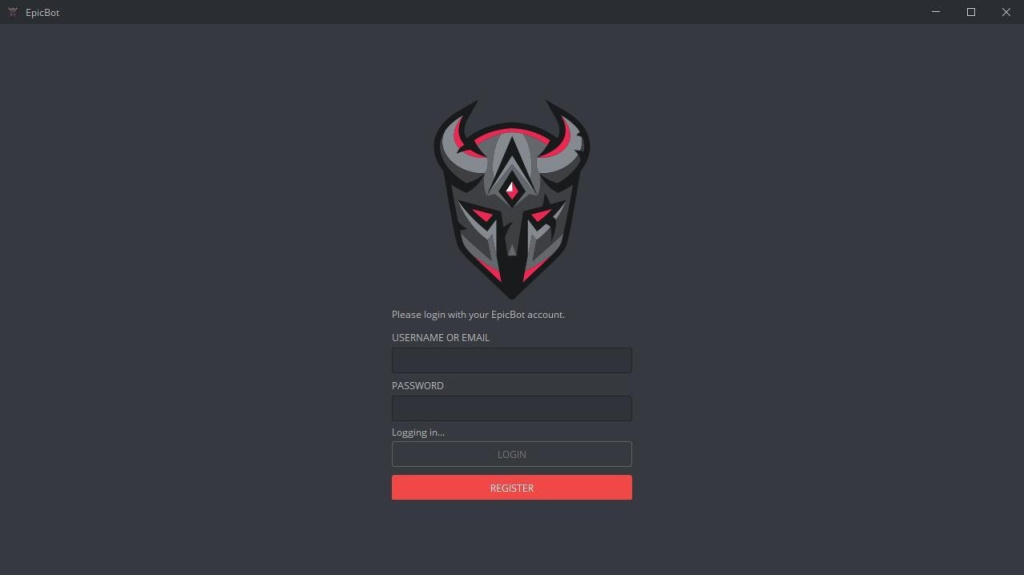
After hitting the Launch button, you will be asked to enter the username or email and password for your EpicBot account. If you don’t have one, click Register and create one.
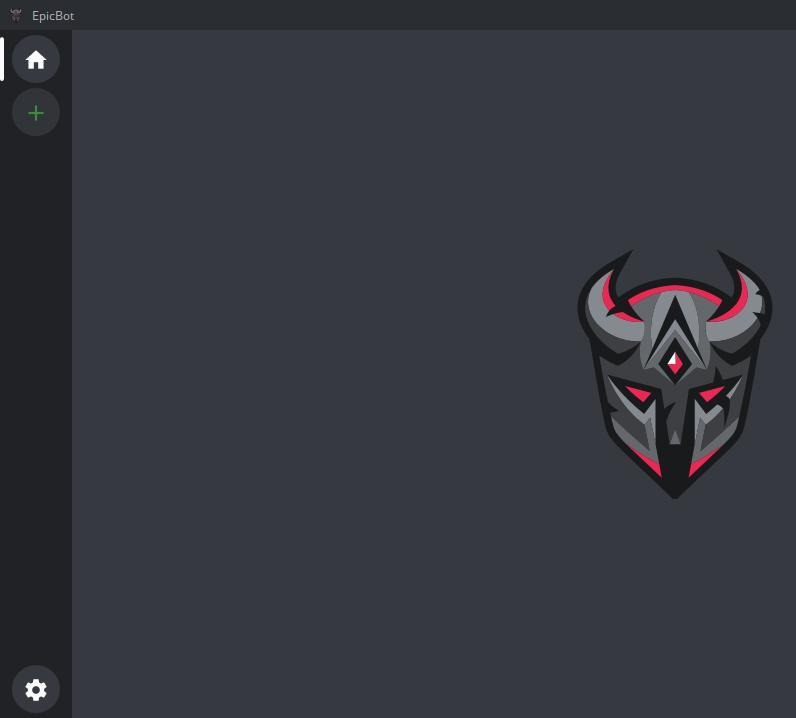
After you log in, you can see a simple dashboard with icons including Home, Plus, and Settings. These are available on the left bar.
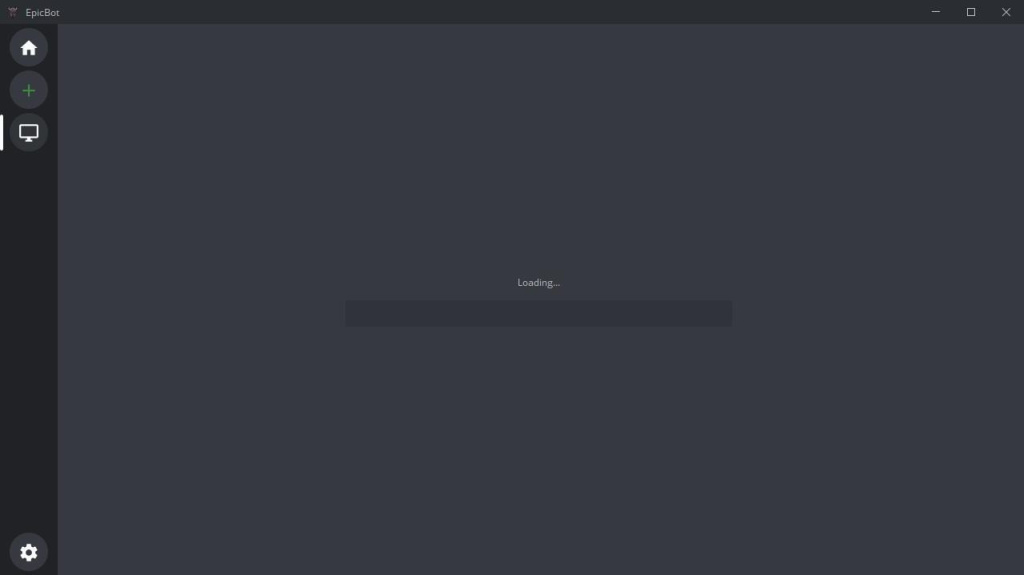
Click the Plus icon below the Home icon. Now, it will start to load the RuneScape game.
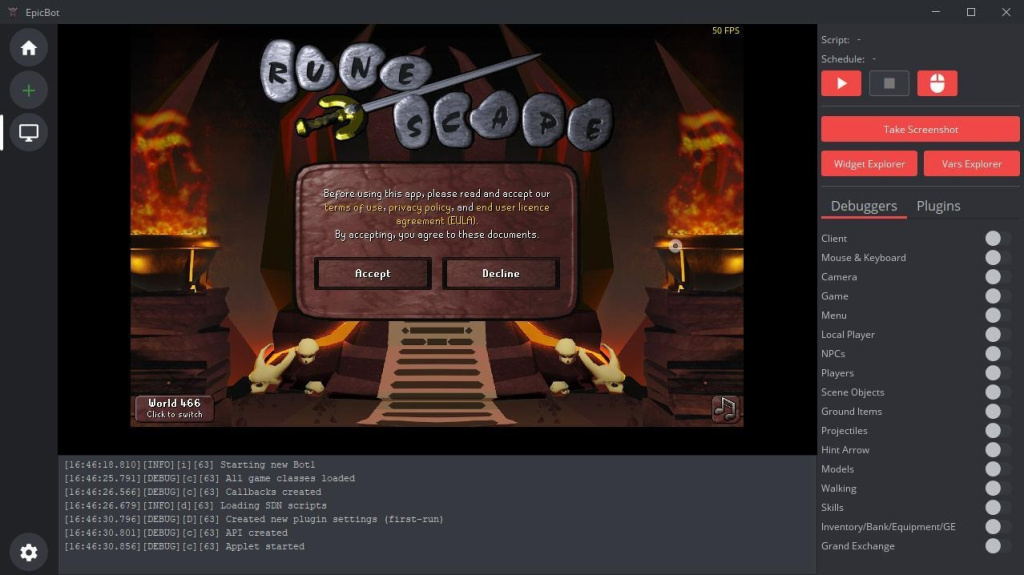
Finally, you can see that RuneScape is open. Now, you can click the Accept button and continue to play the game.
When using EpicBot proxy settings, you may need some quick tips for secure and effective botting. The following is a list of some beneficial points to keep in mind:
1. Rotate proxies if using multiple accounts:
An essential tip for users is to keep rotating the IPs. It helps in preventing the linking of all your accounts to the same IP. Thus, it becomes easy to reduce the risk of a mass ban by Jagex.
2. Use fresh proxies for banned accounts:
When an account gets banned, please avoid reusing its EpicBot proxy. There is a chance that its IP may get flagged. So, using it again can increase the possibility of new bans immediately.
3. Avoid running more than one bot per IP:
When a user runs multiple bots on the same IP, it may look suspicious to the game servers. So, avoid doing this. The reason is that it can trigger automated detection systems. As a result, there will be quick bans.
4. Don’t bot 24/7—simulate human behavior:
The games must understand that the constant activity seems unrealistic. You must mimic the real player schedules by taking breaks, logging off, and varying the gameplay. It will help in avoiding the situation of increasing red flags.
5. Regularly update EpicBot and proxies:
One crucial aspect is to check that you are using the latest software version. By using outdated software or proxies, there may be compatibility issues. Besides, there may be the challenge of dealing with bugs and exposure to detection. So, keep everything current for safety.
Proper proxy configuration in EpicBot ensures each account operates independently, improving efficiency and minimizing detection risks. By using reliable proxies and keeping configurations updated, users can maintain stable performance across multiple RuneScape sessions. Besides, users get an excellent opportunity to maintain anonymity. Also, to reduce the risk of being detected or banned. With proper configuration, each of your accounts runs independently and keeps your efforts efficient and gameplay under the radar.

 PHP
PHP Node.js
 Python
 Java
Java Golang
 en
en  Español
  中國人
中國人  Tiếng Việt
  Deutsch
  Українська
  Português
  Français
  भारतीय
  Türkçe
  한국인
한국인  Italiano
  Indonesia
  Polski
Comments: 0