 Proxy for Telegram
 Proxy for LinkedIn
 Proxy for Google
 Proxy for Ebay
 Proxy for Twitter
 Proxy for TikTok
Best Price Scraping Tools in 2026: Top Software Reviewed

Best price scraping tools for enterprises & e-commerce (2026)
Retail prices change at a pace that makes it nearly impossible for many teams to track and verify them manually. Amazon changed prices 116,509 times in 2025 on just 12 tracked products. That’s about 27 changes per product every day, or roughly one an hour, and that’s before retailers add coupons, change shipping terms, or update stock levels. Without price scraping tools, a competitor’s overnight price cut stays invisible until your conversion rate drops.
Price scraping tools help teams automate the collection of real-time product prices, stock levels, discounts, and seller data across retail and marketplace sites, and then turn that data into pricing decisions that protect their profit margins.
What are price scraping tools, and why do teams need them?
Price scraping tools are software that extracts publicly visible prices, stock statuses, discounts, shipping costs, and product IDs from retail and marketplace pages. They turn that page content into structured data your team can load into spreadsheets, dashboards, databases, or repricing systems to track competitor prices without manual checks.
Here’s the workflow: the price scraper visits product, category, marketplace, or search pages and finds the fields you need. It then extracts those values and exports them as CSV, Excel, or JSON, or sends them through an API into a larger pipeline.
Price scraping software ranges from basic tools that only pull page data to platforms that add scheduling, JavaScript rendering, product matching, price alerts, competitor data dashboards, and historical trends.
Automated price scraping helps e-commerce teams with:
- Tracking competitor prices and stock across marketplaces
- Catching price changes, discounts, and promotions as they go live
- Spotting dynamic pricing patterns, such as Amazon’s roughly hourly repricing
- Flagging MAP or MSRP violations by resellers
- Feeding repricing rules that react to competitor price cuts
- Building pricing reports from clean, structured data
Whichever price scraping tools you choose, the scraper is only one part of the workflow. Price monitoring also depends on how requests are routed, which region each price comes from, and how often you can query the same store before valid responses drop.
A residential, ISP, or SOCKS5 proxy adds the access layer for that: geo-targeted prices, sticky sessions, and control over retries.
PROXY INFRASTRUCTURE FOR PRICE MONITORING
Turn more retail requests into usable pricing data
Route price checks through residential, ISP, datacenter, or mobile proxies with geo-targeting and sticky sessions over HTTP(S) or SOCKS5. Residential pools cover 220+ locations, backed by 99.7% uptime and ISO/IEC 27001 certification.
The 7 best price scraping tools for enterprise price monitoring
Selecting the right e-commerce price scraping tools starts with your catalog size, target sites, and who on your team will run them. That’s why my shortlist of the best price scraping tools splits them into three categories: no-code visual scrapers, specialized price intelligence platforms, and developer and cloud APIs. Here’s how all seven compare before the detailed reviews:
Tool | Free option | Proxies and blocking | Starts at (billed monthly) |
ParseHub | 200 pages per run | IP rotation on paid plans only | $189/mo |
Octoparse | Free forever | IP rotation on paid plans; residential add-on $3/GB | $83/mo |
Pricefy | Free (50 SKUs) | Handled by Pricefy | $49/mo |
Price2Spy | 14-day free trial | Stealth IP traffic, billed by usage | Price on request |
Apify E-commerce Scraping Tool | $5/mo credit (~833 products) | Residential proxies $0.80–$3 per 1K products | $19/mo + $1.50 per 1K products |
ScraperAPI | 7-day trial (5,000 credits) | Rotating proxies and CAPTCHA handling on all plans | $49/mo |
Oxylabs Web API | $5 welcome credit | Proxies and unblocking included | $30/mo |
No-code visual scrapers for analysts and smaller product catalogs
These point-and-click tools let analysts, marketers, retail operators, and other non-technical users export prices without writing code. They fit smaller catalogs, a fixed list of competitor URLs, and daily or weekly checks rather than hourly monitoring.
1. ParseHub
ParseHub is a desktop visual scraper: you click the prices and fields you need, and it builds a repeatable extraction flow.
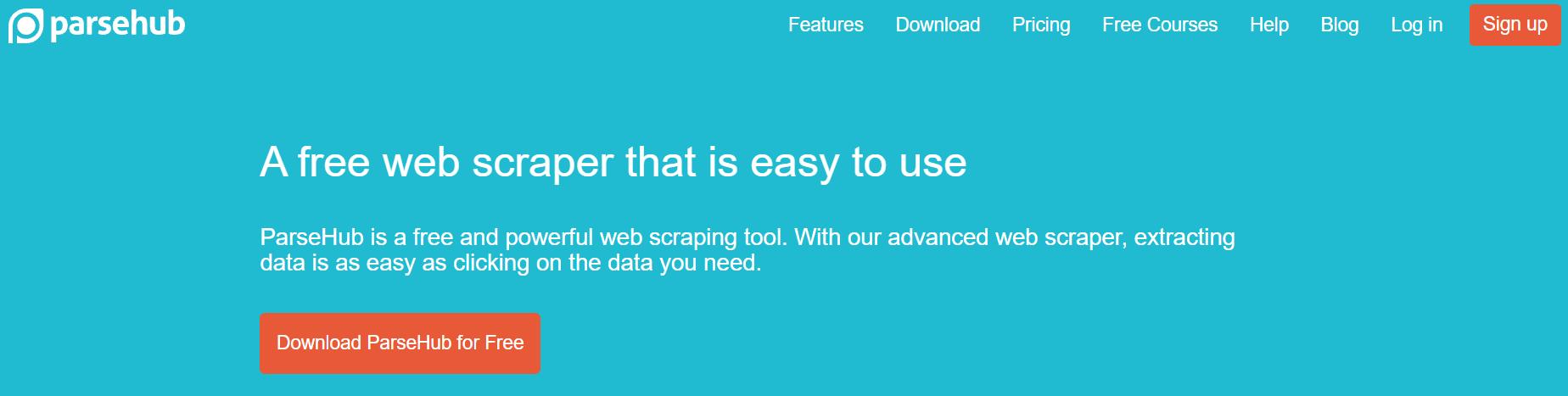
The free plan covers 200 pages per run and 5 public projects with no scheduling. Standard ($189/mo) raises that to 10,000 pages per run and 20 private projects, and Professional ($599/mo) removes the page limit. If you bring your own proxies, follow our tutorial on setting up a proxy in ParseHub.
Among no-code price scraping tools, ParseHub is strong at extracting pricing information from dynamic websites with filters, dropdowns, pagination, and JavaScript-heavy layouts. The trade-off is maintenance: you update each project yourself when a store changes its layout, which gets hard with hundreds of thousands of SKUs and strict SLAs.
Key features:
- CSV, Excel, JSON, or API output
- IP rotation, scheduling, and Dropbox or Amazon S3 export from Standard
- 200 pages in about 10 minutes on Standard vs. 40 minutes on the free plan
- 14-day data retention on free and Standard, 30 days on Professional
Best for: analysts who need a controllable, no-code way to scrape prices from up to about 20 competitor sites on the Standard plan.
2. Octoparse
Octoparse is a no-code scraping platform that now pitches itself as agentic web scraping: you pick from 500+ preset templates for sites like Amazon, eBay, and Etsy, or build your own. Standard costs $83/mo billed monthly or $69/mo yearly, and Professional costs $299/mo or $249/mo yearly.
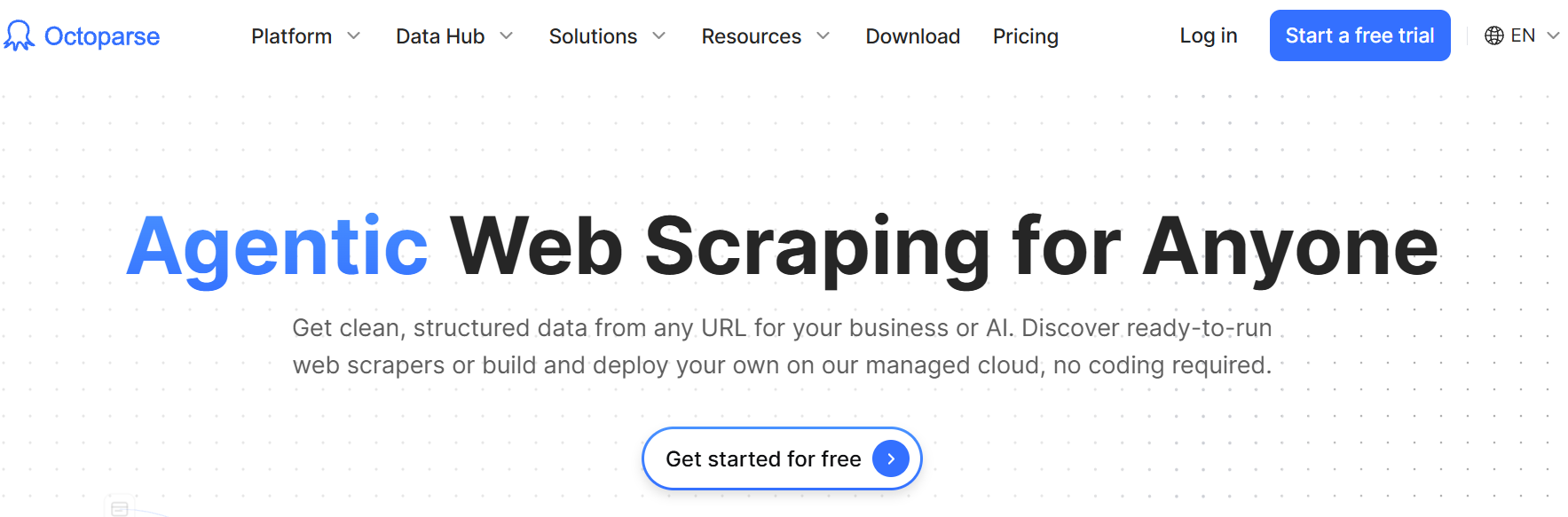
Like most other web scraping tools, Octoparse is built for recurring, scheduled exports, not for full pricing intelligence: you still run price comparisons and margin analysis in a separate BI tool or database.
The free plan runs 10 tasks on your own device only. Standard moves them to Octoparse Cloud with up to 3 concurrent processes. For a deeper look at the interface, see our Octoparse overview.
Key features:
- Up to 50,000 exported rows a month on the free plan, unlimited on paid plans
- IP rotation, automatic CAPTCHA solving, and residential proxies ($3/GB add-on) on Standard
- Export to Excel, CSV, JSON, HTML, XML, or MySQL, PostgreSQL, and Oracle
- Data Export API on Standard, Advanced API on Professional
Best for: small and mid-market e-commerce teams that need scheduled collection from up to 100 tasks across selected online retailers on the Standard plan.
Specialized price intelligence tools for in-house pricing teams
Unlike the general price scraping tools above, these are full-scale pricing platforms that cover extraction, product matching, alerts, dashboards, MAP checks, and repricing in one place. Typical use cases include a brand catching authorized resellers that list below MAP, an electronics retailer matching the lowest Amazon price on its top 500 SKUs every morning, or a distributor getting an alert when a competitor runs out of stock on a key product.
3. Pricefy
Pricefy is a competitor price tracker, repricing tool, and product feed manager for e-commerce businesses. Every plan, including the free one, comes with AI product matching and competitor discovery.
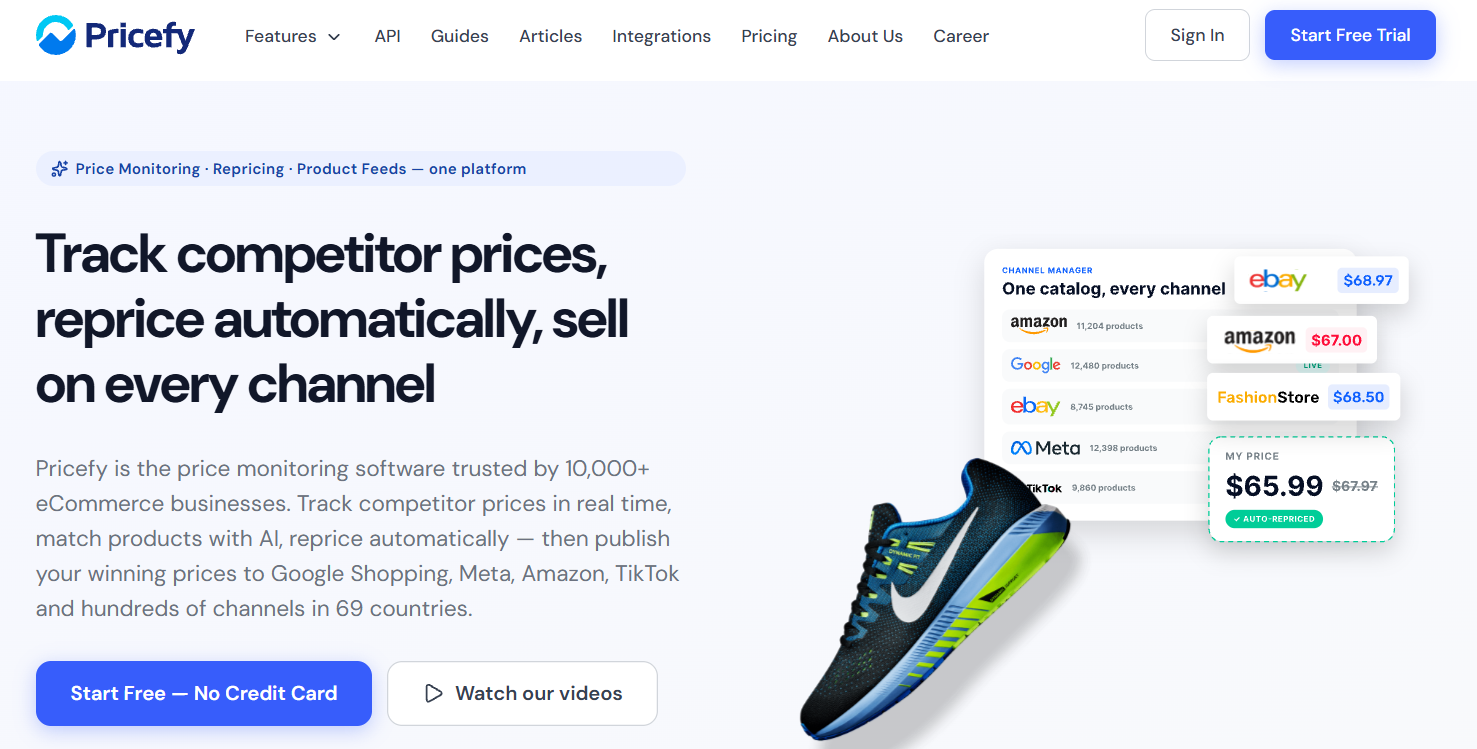
With AI auto-match, you upload your catalog once, and Pricefy looks for the same barcode (EAN, GTIN, or UPC) on competitor sites. Without barcodes, machine learning compares titles and images, and you approve or fix the suggested matches.
The free plan covers 50 SKUs and 5 competitors. Starter ($49/mo, 100 SKUs) adds alerts and Excel/email reports, Pro ($99/mo, 2,000 SKUs) adds dynamic repricing, and Business ($189/mo, 15,000 SKUs) adds autopilot repricing and MAP/MSRP monitoring. Yearly billing saves 25%.
Among price scraping tools, Pricefy is one of the faster ones for a pricing team to set up. The flip side is scope: it tracks the SKUs in your catalog against competitor listings, so it won’t crawl whole categories or non-retail pages for a broader data product.
Key features:
- Daily price updates on every plan, twice a day from Starter
- Product feeds to Google Shopping, Meta, Amazon, TikTok, and other channels in 69 countries
- API access for pushing data into your own systems
Best for: retailers that want a price scraping solution bundling monitoring, matching, and repricing for catalogs of up to 15,000 SKUs on the Business plan.
4. Price2Spy
Price2Spy is a competitor price monitoring, comparison, and repricing platform used by brands, retailers, and distributors in over 40 countries. It now runs AI-enhanced monitoring and product matching.
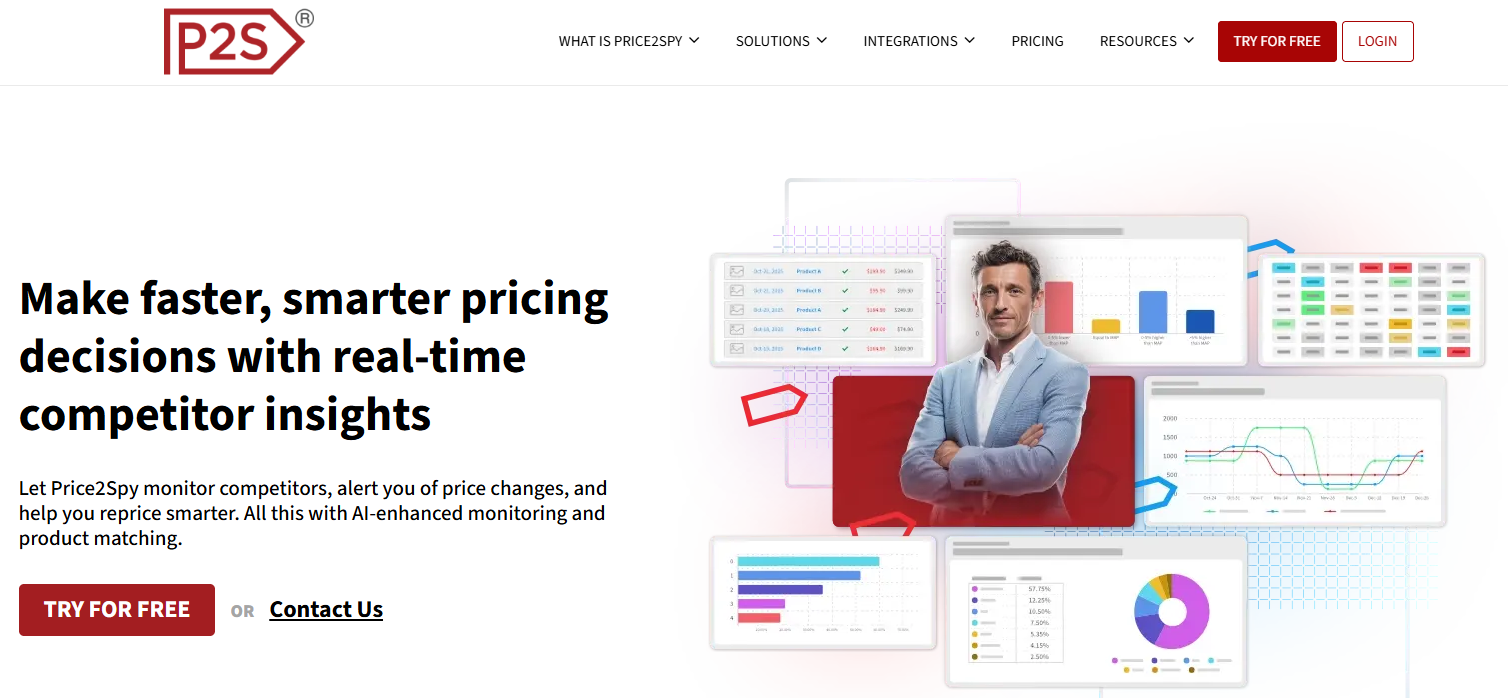
Price2Spy stands out in matching: alongside fully automatic Automatch and manual matching by its team, it offers a hybrid model where machine learning suggests matches and people approve them. That suits catalogs where a wrong match is expensive but manual work can’t scale.
Price2Spy integrates with Magento 2, Shopify, BigCommerce, WooCommerce, Shopware 6, and PrestaShop, and adds a Pricing API and Google Analytics 4. Its case studies include Epson and Beko. Among price scraping tools, it suits teams that run price monitoring as an ongoing business process rather than an occasional spreadsheet export.
Price2Spy quotes every tier on request after a 14-day free trial with no credit card. Starter is self-service with daily alerts and up to 10 competitors, Basic adds MAP monitoring, marketplace monitoring, and instant alerts, and Premium adds API access and up to 8 price checks a day. Repricing, screenshots, and Automatch are separate paid modules.
Key features:
- Stealth IP traffic for bot-aware sites, billed by usage
- In-cart prices, pack sizes, shelf prices, and product variations via Additional product data
- Integrations with Magento 2, Shopify, BigCommerce, WooCommerce, Shopware 6, PrestaShop, and GA4
Best for: pricing teams and brands that need MAP enforcement and competitor tracking run as a managed service, with up to 8 checks a day on Premium.
Developer and cloud APIs for teams running custom pricing pipelines
These APIs fit teams that already run their own parsers, databases, and dashboards. They handle access, rendering, and delivery, while your team controls the pipeline. If you’d rather build everything in-house, open-source Scrapy and Playwright sit one level below them.
5. Apify E-commerce Scraping Tool
Apify E-commerce Scraping Tool is a ready-made cloud scraper for online stores that runs from product or category URLs.
With a 4.3 rating from 54 reviews and 16,000 users on Apify Store, it’s a common pick for teams that want developer-friendly output from Amazon, Walmart, eBay, Alibaba, Etsy, and regional stores. The same run can also collect product reviews, billed separately per review. If you’d rather build that step in Python, start with our guide to scraping Amazon reviews.
You pay per product extracted: $6.00 per 1,000 product details on the free plan, $1.50 on Starter ($19/mo), and $1.00 on Business ($999/mo). The free plan’s $5 monthly credit covers about 833 products, enough for a one-week test on a real SKU list. Residential proxies ($0.80–$3 per 1,000 products) and browser rendering are billed as add-ons.
The trade-off: when a store changes its layout, you wait for Apify to update the scraper.
Key features:
- Price, currency, stock, product ID (SKU, MPN, GTIN, EAN, UPC), rating, image, and seller fields
- JSON, CSV, Excel, XML, HTML, API, or webhook delivery
- Scheduling plus Zapier, Make, and n8n integrations via Apify Console
Best for: developer-led teams that need ready-made scrapers for dozens of stores without building or hosting their own.
6. ScraperAPI
ScraperAPI is a web scraping API for teams with their own parsers, databases, and pricing logic. It handles proxies, headless browsers, and CAPTCHAs on public sites, so your developers focus on everything downstream.
Say a pricing team already collects Amazon and Walmart product pages with Scrapy. Instead of buying and rotating proxies, it sends URLs to ScraperAPI, gets HTML back, and keeps matching, deduplication, price history, and reporting in its own code.
Unlike the price intelligence platforms above, ScraperAPI isn’t a pricing dashboard: alerts, competitor discovery, and repricing need another tool. That makes it one of the more flexible price scraping tools for engineers, and one of the least useful for a pricing manager working alone.
In April 2026, ScraperAPI announced it had acquired Traject Data, the company behind Rainforest API for Amazon product data, and plans to add endpoints that return product and pricing data as structured JSON.
ScraperAPI bills in credits: Hobby costs $49/mo for 100,000 credits, Startup $149/mo for 1,000,000, and Business $299/mo for 3,000,000. An Amazon, Walmart, or eBay request costs 5 credits, JavaScript rendering 10, and Google pages 25, so Hobby covers about 20,000 Amazon pages a month. A 7-day trial includes 5,000 credits.
Key features:
- Billing only for successful requests (200 and 404)
- Geotargeting limited to the US and EU on Hobby and Startup; country-level on Business
- DataPipeline scheduling and structured endpoints for Amazon, Walmart, and Google Shopping
Best for: engineering teams needing a scraping backend for custom pricing strategy systems.
7. Oxylabs Web API (/Scrape)
Oxylabs Web API focuses on enterprise-scale extraction of public web data. Its /Scrape endpoint covers the full chain, from crawling URLs and handling IP blocks to parsing data and delivering results to cloud storage.
For pricing teams, the main advantage is scale, and new accounts get $5 in welcome credits to test it.
One Oxylabs subscription covers /Scrape and its other products. Plans cost $30, $100, or $500 per month, and enterprise packages start at $2,500 per month. Amazon and standard pages start at $0.50 per 1,000 results and fall to $0.25 above 10 million results. Among price scraping tools, Oxylabs makes the most sense once you’re past 1 million results a month, where the per-1,000 rate drops to $0.35 or lower.
Key features:
- Dedicated Amazon and Google targets, plus custom-domain scraping for any other store
- HTML or structured JSON output, priced separately for JS and non-JS pages
- 24/7 support
Best for: teams comparing the top price scraping software for enterprises and needing managed scraping infrastructure.
How to choose the right price scraper tool
Price scraping tools should match four things: catalog size, target sites, in-house engineering, and refresh frequency. Here’s how those map to the seven tools, using each vendor’s own plan limits:
Your situation | Start with | Why |
Up to 50 SKUs, no developer | Pricefy Free | 50 SKUs and 5 competitors at $0 |
100–2,000 SKUs, need alerts or repricing | Pricefy Starter or Pro (49–99/mo) | Alerts from Starter, dynamic repricing from Pro |
Up to 15,000 SKUs with MAP enforcement | Pricefy Business ($189/mo) or Price2Spy Basic | MAP monitoring on both |
Managed monitoring, several checks a day | Price2Spy Premium | Up to 8 checks a day, plus API access |
Occasional exports from a few sites | Octoparse Free or ParseHub Free | 50,000 rows a month or 200 pages per run |
Ready-made scraper across many stores | Apify E-commerce Scraping Tool | 1.00–1.50 per 1,000 products on paid plans |
Own pipeline, ~20,000 Amazon pages a month | ScraperAPI Hobby ($49/mo) | 100,000 credits at 5 per Amazon page |
1M+ results a month | Oxylabs Web API | 0.25–0.35 per 1,000 results at that volume |
The developer APIs also cover non-retail targets, such as Baidu scraping, from the same pipeline.
Before you sign, ask one more question: do you pay for failed pages? ScraperAPI bills only successful requests (200 and 404), and Apify charges per product actually extracted. The number worth comparing is the cost per valid price, not the plan price.
Before you commit, run the free plan or trial of your top pick on 20–50 of your real SKUs for a week. Count how many prices come back correct and complete for each dollar spent, then scale the one that wins.
Price scraping challenges and practical solutions
Even the best product price scraper tool loses data to blocks, layout changes, and location-based prices. A realistic goal is a pipeline where errors are visible and cheap to fix, not zero failures. As Price2Spy puts it, “you are better off with having no data than having completely wrong data.”
JavaScript rendering: Often the final price isn’t included in the first HTML response. Other price components like discounts, delivery fees, and stock status load only after a script is run.
Solution: Render those pages with Playwright or Puppeteer in headless Chromium, and wait until the price element appears before extracting it. Or, check the network tab of your browser: many stores load the prices from an internal JSON endpoint you can request directly, which is faster and cheaper than rendering the full page.
CAPTCHA and IP blocks: If multiple requests are sent from one IP range, the valid response rate may start to decline, especially on large or protected retail sites.
Solution: Rotate IPs per request for catalog crawls, keep sticky sessions for multi-step checks like cart or ZIP-based prices, and cap retries per URL. Cloudflare now blocks AI crawlers by default on new domains, so a managed API or proxy management with controlled rotation matters more than it did two years ago.
Changing page layouts: Retailers redesign product templates, filters, and page modules, so the selectors in last week’s scraper start returning empty fields.
Solution: Add schema checks and alerts for blank prices or a sudden drop in collected records. LLM-based extractors cut this work further by finding the price by its meaning rather than a fixed CSS selector. According to Kadoa’s 2026 overview, McGill University researchers found AI-based extraction kept 98.4% accuracy on 3,000 Amazon, Cars.com, and Upwork pages after their structure changed.
Product matching errors: The same product rarely looks the same on two sites. One store lists “Apple AirPods Pro (2nd generation) with MagSafe Case (USB-C),” another lists “AirPods Pro 2 USB-C,” and a third sells a two-pack under its own GTIN. Match the wrong pair, or match a single item to a bundle, and your repricing rule undercuts a competitor that was never cheaper.
Solution: Combine product IDs, fuzzy logic, image checks, and manual review for high-value products.
Refresh frequency vs. cost: Hourly checks on a 10,000-SKU catalog mean 240,000 requests a day, and not every SKU needs that.
Solution: Group SKUs by revenue, volatility, and competitor pressure, and check only the volatile tier hourly.
Geo-specific prices: Taxes, shipping, exchange rates, promos, and stock vary by location, so a single-location check misses regional differences, especially when you scrape Google Shopping results across several regions.
Solution: Use geo-targeted residential or ISP proxy pools, pin the city or ZIP code where the retailer prices locally, and store results per region
RESIDENTIAL AND ISP PROXIES FOR PRICE MONITORING
Collect regional pricing data with fewer invalid responses
Route public retail requests through residential pools in 220+ locations or static ISP proxies across 600+ /24 subnets. Keep sticky sessions where a price depends on cart or ZIP code, and test on your own targets before you scale.
Final verdict: which price scraping tools to shortlist in 2026
For most mid-market retailers, start with Pricefy’s free plan on 50 real SKUs this week: within days, you’ll see whether automatic matching works on your catalog. If engineers own the pipeline, run the same SKUs through ScraperAPI’s 7-day trial or Apify’s free credit and compare how many prices come back correct per dollar. Move to Price2Spy or Oxylabs only when you need managed MAP enforcement or more than 1 million results a month.
Whichever price scraping tools you pick, your own scraper still needs a proxy layer. Proxy-Seller offers residential and ISP proxies for price intelligence, and for larger deployments, a free POC on your own target catalogs, a named account manager from $500 MRR, and DPA and SCC documentation from day one.
FAQ
Scraping public prices carries less legal risk than most data collection, but the answer depends on what you collect, how you access it, your jurisdiction, and how you use the data. Risk rises when data is personal, sits behind a login, or the scraping breaks a site’s terms of service. Before scraping websites, legal teams usually check robots.txt, the terms of service, and whether any field falls under GDPR or CCPA. This isn’t legal advice, so confirm with your own counsel.
Custom scrapers need proxies for regional price checks, repeated collection from the same store, sticky sessions, and lower block rates. Managed scraping APIs such as ScraperAPI and Oxylabs include their own access layer, so you don’t buy proxies separately. For price monitoring, residential proxies fit city- or ZIP-level price checks, and ISP proxies fit long sessions that need one stable IP.
Price scraping is the collection step: it pulls prices, stock, sellers, discounts, and product identifiers from web pages. Price monitoring is the workflow around that data: scheduling, storage, product matching, alerts, reporting, trend analysis, and repricing. You can scrape prices without monitoring them, but you can’t monitor prices without scraping them first.
Scraping frequency should follow price volatility and business impact. Electronics and major marketplaces often need hourly checks, fashion usually works with daily ones, and many B2B categories are fine with weekly refreshes. An efficient setup uses refresh tiers: bestsellers and volatile SKUs get checked most often, while long-tail products get checked least to keep costs down.
PROXIES FROM $0.02/IP
Ready to put this into practice?
Pick a proxy type and location, and start using it within minutes.
Instant delivery
24/7 support
Refund policy
About the author