
 Proxy for Telegram
 Proxy for LinkedIn
 Proxy for Google
 Proxy for Ebay
 Proxy for Twitter
 Proxy for TikTok
Best lead scraping tools & methods: 2026 lead generation guide

Handpicking lead data consumes hours your sales team could spend on closing deals. A 2025 study in Frontiers in Artificial Intelligence tested an AI-powered scraping tool against traditional methods. The results showed approximately three times as many relevant leads generated through web scraping, a significant improvement in data extraction accuracy, as well as high accuracy and completeness in lead selection. That’s the difference between guessing and knowing. So, the real question is how to choose a lead scraping tool that won’t result in a waste of budget due to problematic queries or poor-quality data.
What is lead scraping?
Lead scraping is an automated method that uses algorithms to extract prospect data from public sources like directories, mapping services, social media, and open web resources. Unlike a simple database dump, this tool delivers a structured dataset of names, job titles, email addresses, and phone numbers that you can import directly into your CRM. This process turns unstructured web information into actionable sales intelligence.
Lead scraping tools remove the two failure modes manual list-building can't avoid at scale: typos on repetitive fields like emails and phone numbers, and duplicate records across sessions. A lead scraping tool works by crawling target websites, identifying relevant fields (e.g., email addresses or job titles), and exporting that information into a spreadsheet or CRM. The software does this without human intervention, which frees your sales team to focus on outreach instead of manual research. You can then segment, score, and prioritize leads before launching a campaign.
Is lead scraping legal under GDPR and CCPA?
Scraping leads is legal in most jurisdictions when it targets publicly available business data, respects a site’s Terms of Service, and follows data‑protection laws. Regulation (EU) 2016/679 (GDPR) doesn’t prohibit automated collection. The most common legal basis is Legitimate Interest under Article 6(1)(f). In California, the CCPA gives consumers a Right to Know what personal information a business has collected, a right to delete it, and a right to opt out of its sale.
To rely on Legitimate Interest, you must satisfy three sequential requirements:
- Articulate a specific, lawful interest (e.g., ead generation data scraping for B2B sales).
- Demonstrate that processing is genuinely necessary to achieve that interest (no less intrusive way exists).
- Perform a balancing test that weighs your interest against the data subject’s fundamental rights and freedoms.
The California Consumer Privacy Act (CCPA) grants consumers the right to request disclosure of categories and specific pieces of personal information a business has collected on them. This procedural request is often called a Data Subject Access Request (DSAR) in industry shorthand. Businesses that scrape leads from California residents must be able to respond to DSARs, provide a clear opt‑out method, and honor deletion requests. Unlike GDPR, CCPA doesn’t have a direct Legitimate Interest analogue, so compliance hinges on transparency and opt‑out mechanisms.
When scraping LinkedIn or similar platforms, the terms of service play a key role. The main security rule is to work only with public pages, respect robots.txt and rate-limit your crawler, avoid bypassing authentication, and clearly document the purposes of data collection.
How lead scraping software works?
The first stage sends HTTP requests to specific sources: business directories (Crunchbase, Yelp for Business), mapping APIs (Google Maps API, OpenStreetMap), and professional network company pages (LinkedIn, AngelList). For JavaScript‑rendered sites, the scraper drives a real browser via the Chrome DevTools Protocol (CDP). High‑level automation libraries like Playwright, Puppeteer (Node.js), or Ferrum (Ruby) wrap the CDP interface. Proxy rotators operate in parallel, distributing the load across an IP pool.
Next, extracting the information. This involves using CSS selectors, XPath, and regular expressions targeted at specific fields: name, job title, phone number, and email. B2B-targeted scrapers often use pre-trained models such as spaCy, Hugging Face transformers, or a hosted NER API to extract job titles and company names from unstructured fragments like bio blurbs, footer text, and About pages.
At this point validation is necessary. Raw data is normalized: phone numbers are converted to E.164 format, and email addresses undergo syntax checking and SMTP verification. The software removes duplicates, and records are enriched with additional fields from open sources.
Ultimately, the cleaned dataset is transferred to the CRM via the REST API or webhook integration. Some solutions support streaming uploads, and sales departments can work with leads in near real time.
Best lead scraping tools
Choosing a lead scraping tool means deciding between code‑first libraries and visual no‑code extractors, then matching the tool to your data source: B2B contact databases, social media automation, or general‑purpose web scrapers. Pricing adds another filter: free open‑source, pay‑per‑result, subscription, or enterprise contracts. The following five tools (Apollo, PhantomBuster, Scrapy, Apify, and Octoparse) each sit at different points on these spectrums.
Apollo
Apollo operates a B2B contact database with over 275 million verified profiles. It combines lead scraping, email verification, and outreach in one platform. You filter companies by revenue, employee count, technology stack, or geographic location. The system finds email addresses and phone numbers, then runs them through a multi‑step verification process. Verified contacts show a confidence score. Apollo’s AI‑powered search suggests similar companies to your ideal customer profile.
Pricing includes a free tier (limited exports). Paid plans start at $49 per user per month for 30,000 credits. Enterprise plans offer custom volumes and dedicated account management. It’s best for sales teams that want an all‑in‑one database plus scraper without writing code. Key features also include:
- Real‑time email verification with bounce prediction
- Chrome extension for LinkedIn scraping
- Sequence automation with email and call steps
PhantomBuster
PhantomBuster is a cloud‑based automation platform for social media lead scraping. You run pre‑built “phantoms” (scripts) that log into LinkedIn, Twitter, or Instagram, extract profiles, and export job titles or company names. The tool respects rate limits and can rotate sessions. Its multi‑step sequences can visit a profile, send a connection request, then extract the email after connection.
Pricing includes a free trial. Subscriptions start at €69 per month with 5 automations slots and 20h/month Execution time. Higher tiers (€159, €439) increase operation limits and add team features. It’s best for marketers automating social media outreach and lead extraction from LinkedIn. Other perks also have:
- 100+ pre‑built phantoms for major platforms
- Schedule automation (run daily or weekly)
- Webhook and CRM integrations (HubSpot, Pipedrive)
Scrapy
Scrapy is an open‑source Python framework for developers who want full control. You write spiders that define which URLs to crawl, how to follow pagination, which selectors (CSS/XPath) to extract, and where to rotate proxies. Scrapy handles concurrency, request scheduling, and output export. It doesn’t include JavaScript rendering out of the box, but you can integrate Splash or Playwright.
Scrapy is free. You pay for proxies (e.g., Proxy‑Seller’s residential or datacenter IPs) and hosting (e.g., Scrapy Cloud from Zyte). It’s best for engineering teams building custom scraping pipelines at scale. Key benefits:
- Built‑in support for retries and middlewares
- Auto‑throttling to respect robots.txt
- Item pipelines for cleaning and deduplication
Run your spiders without interruptions. Proxy‑Seller’s residential and datacenter proxies integrate with Python frameworks like Scrapy to deliver clean HTML from target sites. Contact our team to get 99.7% uptime and flexible residential rotation for reliable data collection.
Apify
Apify is a cloud platform for running actors – serverless scraping scripts written in JavaScript (Node.js) or Python. You can use pre‑built actors for Google Maps, Yellow Pages, Yelp, or LinkedIn, or code your own with the Apify SDK. All actors handle JavaScript rendering, pagination, and proxy rotation automatically. Results return via API, webhook, or are stored in the Apify dataset.
Apify has a free tier and paid plans start at $29 per month. Enterprise plans include custom SLAs and dedicated proxy pools. It’s best for developers who want serverless scraping without managing infrastructure. Key features also include:
- Integrated proxy rotator (residential, datacenter, or Google SERP)
- Web scraper IDE with live debugging
- Scheduled runs and data export to Google Sheets, S3, or CRM
Octoparse
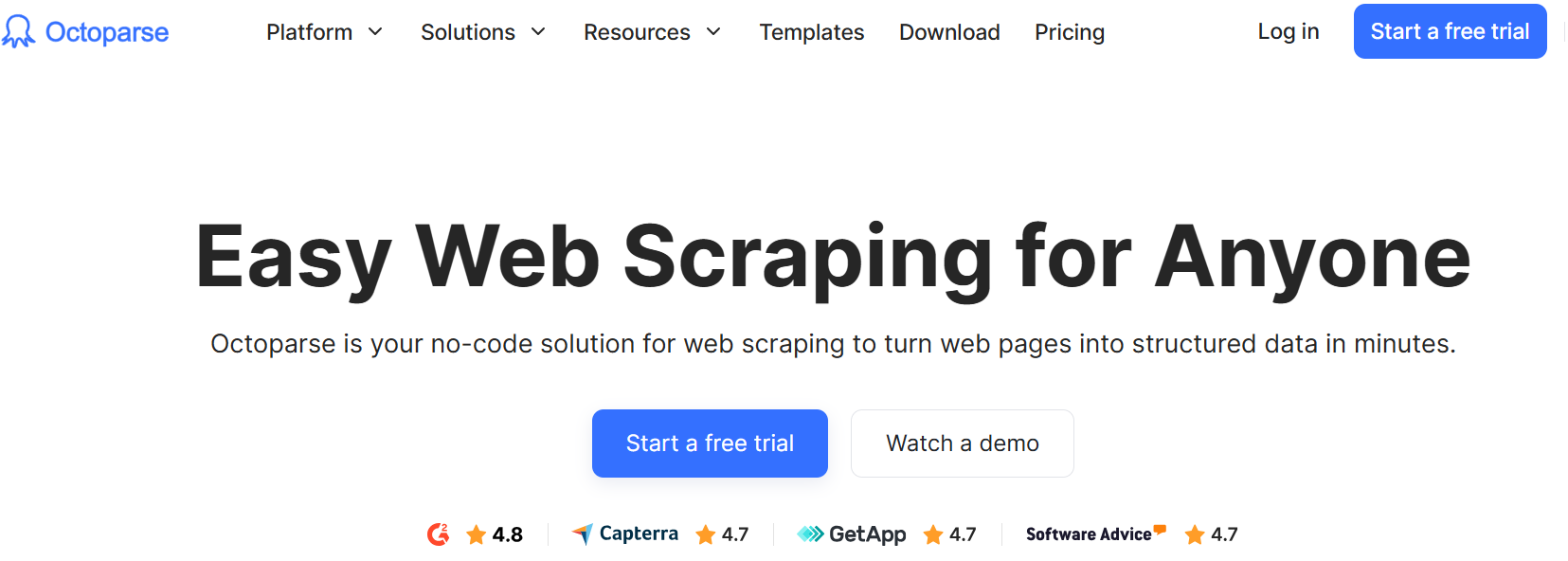
Octoparse is a no‑code visual scraper for Windows and Mac. You point and click on a website to select data fields: names, emails, prices, or product descriptions. The tool detects pagination, scrolling, and dropdowns. You can run local extractions or schedule them in the Octoparse cloud (24/7).
Octoparse offers a free edition with 10 tasks. Paid plans start at $69 per month and go to $240 per month (billed yearly), with cloud runs and larger export limits. It’s best for non‑technical marketers who need point‑and‑click scraping from public websites. You’ll find here:
- Template library for popular sites (Amazon, Yelp, Google Maps)
- IP rotation with proxy integration (HTTP/S)
- Email notifications on task completion
Clay
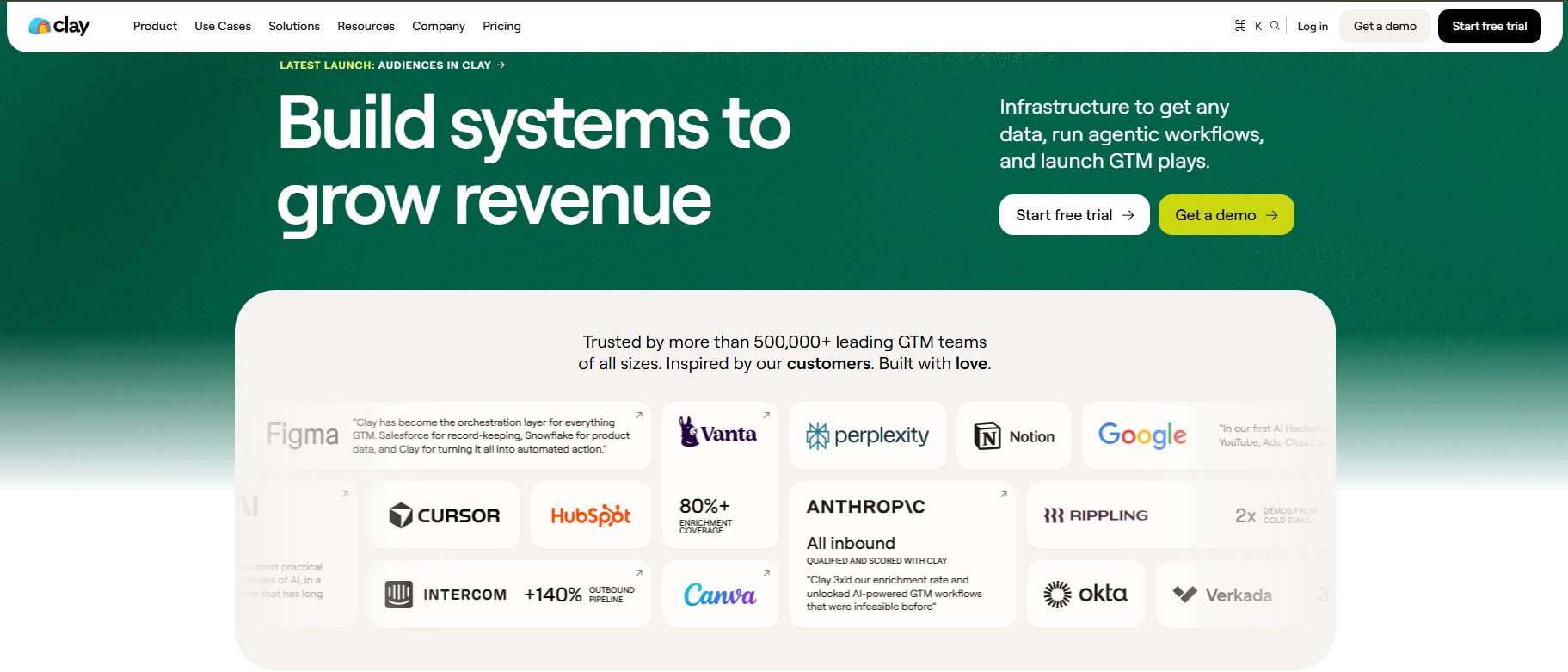
Clay is an enrichment platform that uses AI agents to find and enrich lead data. You input a list of company domains or LinkedIn profiles, and Clay’s AI scrapes the web for email addresses, funding data, technology stack, or hiring signals. Claygent can navigate websites like a human to extract custom fields.
Pricing starts at $167 per month for 30k data credits. Free tier includes 1.2k credits for testing. Enterprise plans offer custom contracts. It’s best for GTM teams that need to enrich and verify lead lists at scale, not just scrape them. Key features also include:
- Natural language extraction (“find the CEO’s email from the team page”)
- Automated data cleaning and deduplication
- Direct sync to Salesforce, HubSpot, or Airtable
Comparison table
Tool | Type | Source coverage | Pricing entry point | Best for |
Apollo | B2B contact DB and outreach (no‑code) | 275M+ verified business contacts; LinkedIn, websites | Free tier, from $49/month | Sales teams (all‑in‑one) |
PhantomBuster | Social media automation (no‑code) | LinkedIn, Twitter, Instagram, Facebook | Free trial, from $69/month | Marketers (social lead gen) |
Scrapy | Python framework (code‑first) | Any website (custom spiders) | Free (open‑source); pay for proxies and hosting | Engineering teams |
Octoparse | Visual scraper (no‑code) | Any website (template library for Amazon, Yelp, Google Maps) | Free edition (10 tasks), from $69/month | Non‑technical marketers (point‑click) |
Clay | AI enrichment platform (no‑code) | 75+ data sources (Apollo, Clearbit, Hunter) + web browsing AI | Free tier (1.2k credits); from $167/month for 30k credits | GTM teams (enrichment & verification) |
What infrastructure lead scraping actually needs in 2026
In production, five infrastructure components determine whether you collect clean data or burn the budget on retries. These are the proxy layer, rotation strategy, CAPTCHA handling, rate limiting and scheduling, and observability. Getting any of them wrong is one of the top reasons scrapers fail against modern defences. Below, each component is explained with concrete numbers and trade‑offs.
Proxy layer
Choose IP type based on target defense level. For LinkedIn, Google Maps, or marketplace sites, residential and ISP proxies deliver, on average, a ~17-percentage-point higher success rate than datacenter IPs on protected targets, according to Proxyway's 2026 benchmark. This shows up as fewer retries, less wasted bandwidth, and cleaner data at the end of a run. For low‑defence directories (Yellow Pages, Clutch, GoodFirms), datacenter IPs work fine. The trade‑off: residential costs more per GB but rescues your valid response rate on the targets that matter. The datacenter is cheap and fast, but burns reputation on protected sites.
Rotation strategy
Sticky sessions keep an identity coherent across page loads – LinkedIn needs about 30 minutes of sticky sessions. Per‑request rotation works for Google Maps and SERP‑style scraping, where each request looks like a fresh user. The wrong call here is one of the top three reasons scrapers get rejected. Match your rotation to the platform’s session expectation.
Choose the right proxies for lead scraping. Buy residential proxies from $1.45/GB and set up request- or time-based rotation or choose sticky sessions to tailor your workflow to a specific platform.
CAPTCHA handling
Baseline solvers (2Captcha or Anti‑Captcha) handle reCAPTCHA v2 and image challenges. For modern AI‑based challenges like Cloudflare Turnstile or reCAPTCHA v3 score‑based, use Capsolver or CapMonster with machine‑learning solvers. Build a budget: solving CAPTCHAs costs $0.50–$3 per 1,000 challenges. If your rejection rate is high, this line item grows fast.
Rate limiting and scheduling
Scrapy’s AUTOTHROTTLE, custom delays in Apify and Octoparse, and running jobs during off‑peak hours reduce the chance of triggering rate‑based defences. A randomized 2–5-second delay per request removes the mechanical timing signature that most rate-based defences look for first. Don’t rush, slow and steady collects more data.
Observability
Endpoint‑level logs need an error taxonomy: block, timeout, CAPTCHA, parse error, soft‑fail, not a single “failed” bucket. Without that breakdown, a 7% overall failure rate tells you nothing actionable; with it, you can see whether to invest in a better proxy pool, a CAPTCHA solver, or stricter retry logic before the run degrades further. Use request logs to trace every failure to a specific cause.
Tool | Proxy model | Bundled infrastructure | BYO supported | Need a separate proxy provider? |
Apollo | No proxy layer (internal DB) | None (vendor‑side collection) | No | Not applicable |
PhantomBuster | Datacenter (managed) | Yes, included in subscription | No | No |
Scrapy | None (you configure) | No | Yes (via middleware) | Yes |
Apify | Hybrid: datacenter and residential (paid) | Datacenter included; residential billed per GB | Yes | Optional |
Octoparse | Datacenter and custom proxies | Basic rotation included | Yes (HTTP/S) | Optional |
Clay | Datacenter (managed) | Yes | No | No |
Where to scrape leads
Choosing the right data source depends on your target market and extraction technique. For structured directories, database lead scraping delivers clean records with minimal noise. For intent signals, scraping Airbnb with Python can uncover property owners actively looking for solutions. The table below maps five common use cases to their best sources and key data fields.
Use case | Best sources | What you'll extract |
Local B2B (city or region) | Google Maps, Bing Maps, Foursquare, Yellow Pages | Business name, address, phone, rating, website URL |
Enterprise account‑based | LinkedIn Sales Navigator, Crunchbase, ZoomInfo, Apollo | Funding raised, employee count, C‑level contacts |
B2B SaaS (vertical) | Clutch.co, GoodFirms, G2, Capterra | Tech stack, review scores, decision‑maker emails |
B2C / D2C (consumer) | Instagram, TikTok creator directory, | Follower count, engagement rate, contact info |
Intent (active need) | Hacker News, Reddit (r/saas, r/startups), Quora, AngelList | Buying signals from posts, comments, and job ads |
From scraped contact to qualified lead: verification and enrichment
Raw data often contains typos in names, outdated domains, duplicates, and incorrect information. The first step is normalization, where phone numbers are set to E.164 format, email addresses are set to lowercase, and junk characters are removed. Next, an SMTP check filters out invalid addresses. Enrichment adds missing fields such as job title, LinkedIn profile, and company size from public sources. At this stage, you receive qualified leads with verified validity.
Tool | Email verification | Phone verification | Enrichment (added fields) |
Apollo | ✓ Multi-step verification – 97% email accuracy claim | ✓ <1% invalid phones claim | ✓ Firmographics, tech stack, intent signals – fully built in |
Clay | ✓ Waterfall – runs across 150+ data providers | ✓ Through partner integrations | ✓ Core product; Claygents (AI agents) for deeper company/person research |
PhantomBuster | ✗ Email Finder Phantom exists, but SMTP verification is not bundled by default | ✗ | ✗ |
Apify | Varies per actor – most actors return raw data | ✗ | ✗ |
Octoparse | ✗ | ✗ | ✗ |
Scrapy | ✗ | ✗ | ✗ |
Managed platforms (Apollo, Clay) include verification and enrichment as a core layer. For standalone verification, services like ZeroBounce for emails or NeverBounce for email validation can clean raw contact strings before CRM entry. Scrapers and frameworks (PhantomBuster, Apify, Octoparse, Scrapy) return raw contact strings, so plan a separate SMTP‑verification step before any record reaches the sending CRM.
Lead scraping key takeaways
Build a pipeline that turns raw strings into opportunities with lead scraping. Start with a top web scraping services that matches your technical skill and target sources. For B2B databases, choose Apollo or Clay. For social automation, run PhantomBuster. For custom code, use Scrapy with Proxy‑Seller's residential proxies to maintain a higher success rate. Whatever tool you pick, add a verification step (ZeroBounce or NeverBounce) before loading data into your CRM. Test your setup on one use case, measure your valid response rate, then scale.
PROXIES FROM $0.02/IP
Ready to put this into practice?
Pick a proxy type and location, and start using it within minutes.
Instant delivery
24/7 support
Refund policy
About the author